
/Classic vs. editor 2.0
You did it.
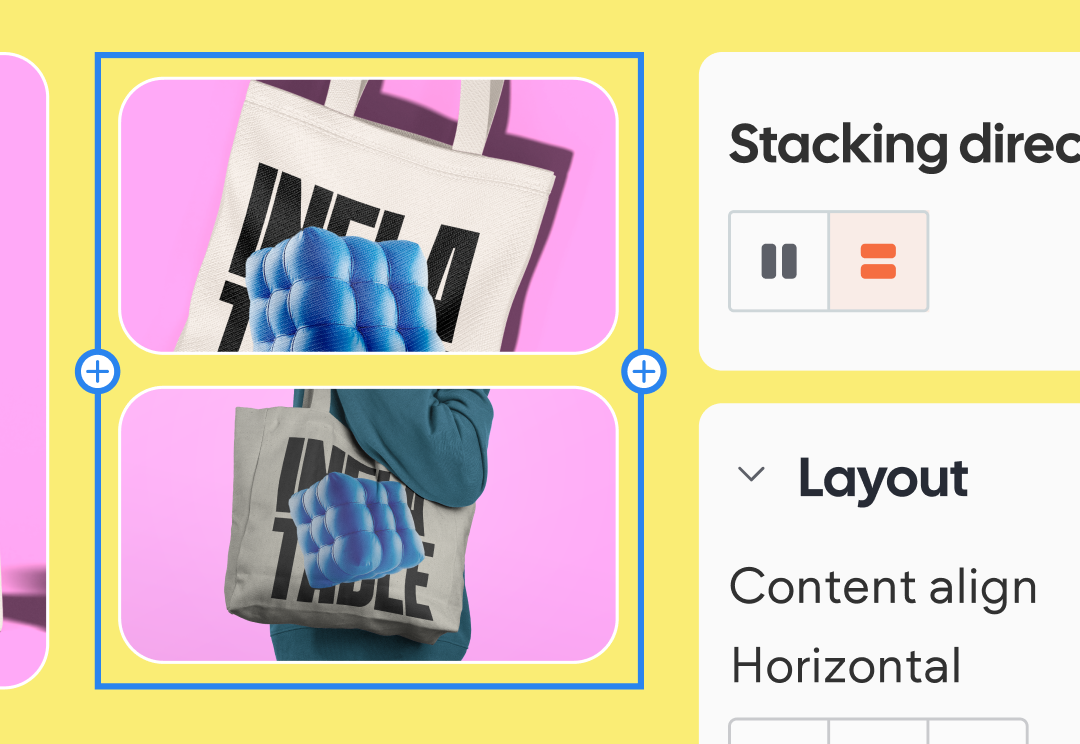
You made it—awesome job! In this course, we explored the core tools and features of Editor 2.0, and looked at how it compares to the Classic editor so you can make the transition with confidence.
Now that you’ve wrapped things up, you’ve got a solid foundation to start building smarter, more responsive sites—with more flexibility and less manual work.
Here’s a quick recap of what you’ve accomplished:
- The key differences between Classic and Editor 2.0—and how to approach building in each.
- How to use tools like Advanced Grids, Device-Specific Styling, and Flexible Headers to create more dynamic layouts.
- How to build more efficiently while giving clients greater control—without compromising design quality.
We know switching to a new platform can be a bit daunting, but you're well on your way. And the best part? With Editor 2.0, you're now equipped to build better-performing, more modern websites—faster and more efficiently.
You're not just adapting—you’re leveling up. We can't wait to see what you build next 🧡
Want a deep dive?
[path]
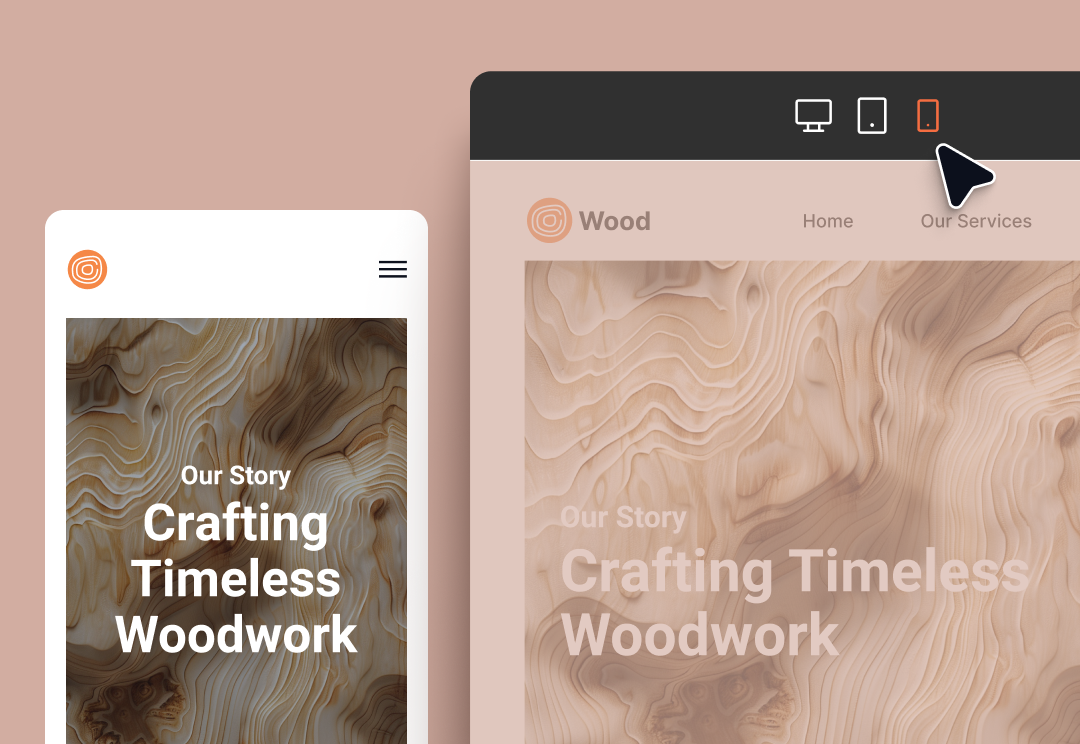
Build a site with Editor 2.0
Design flexible layouts that adapt across devices using breakpoints and device-specific styling.
[course]
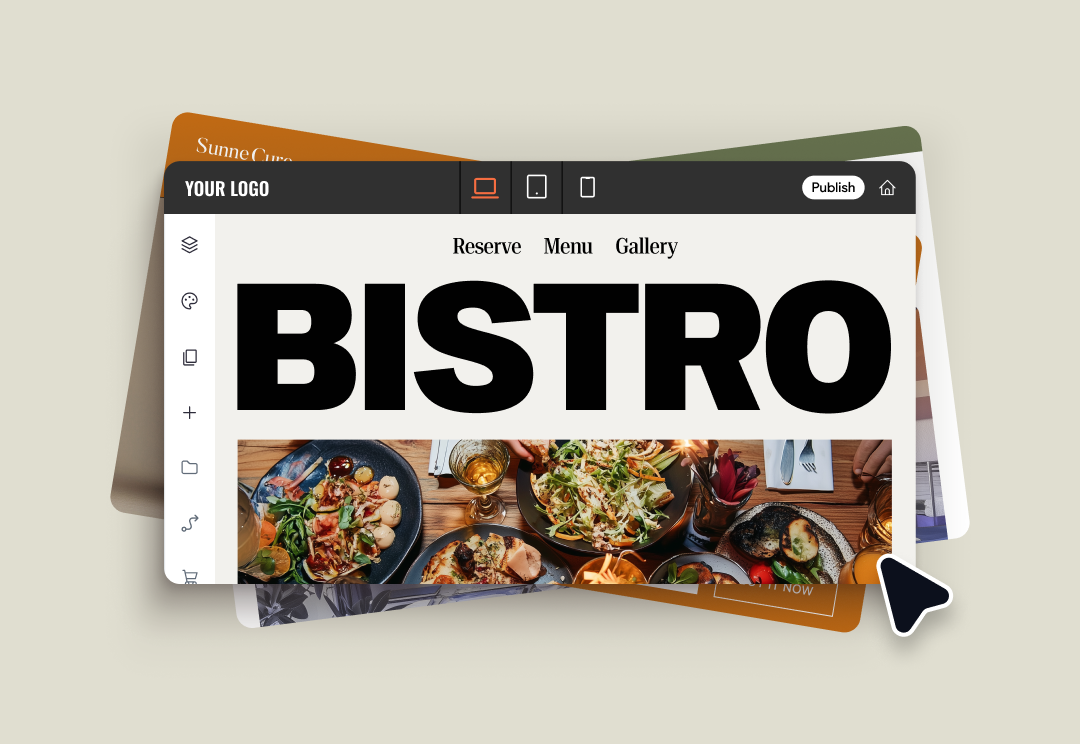
Tour the platform
Explore Duda’s UI to quickly create sites, add widgets, manage clients, and more.