Meet Editor 2.0
As Classic editor users, we know you're already familiar with Duda and the Classic editor's capabilities. Since all the platform components you're familiar with are still available in Editor 2.0, this course will cover the benefits of the new editor and the capabilities that have changed.
Lets start by talking about what
Editor 2.0 is and why it's special.
What is Editor 2.0?
This editor was built with Flexbox technology and boasts Flex-based pages, headers, sections, and footers. It also introduces a new canvas and 2 new panels to help you build more efficiently. Finally, sites built with Editor 2.0 also benefit from improved Core Web Vitals scores leading to better performance overall.
Let's take a closer look.
Design tools. All in one place.
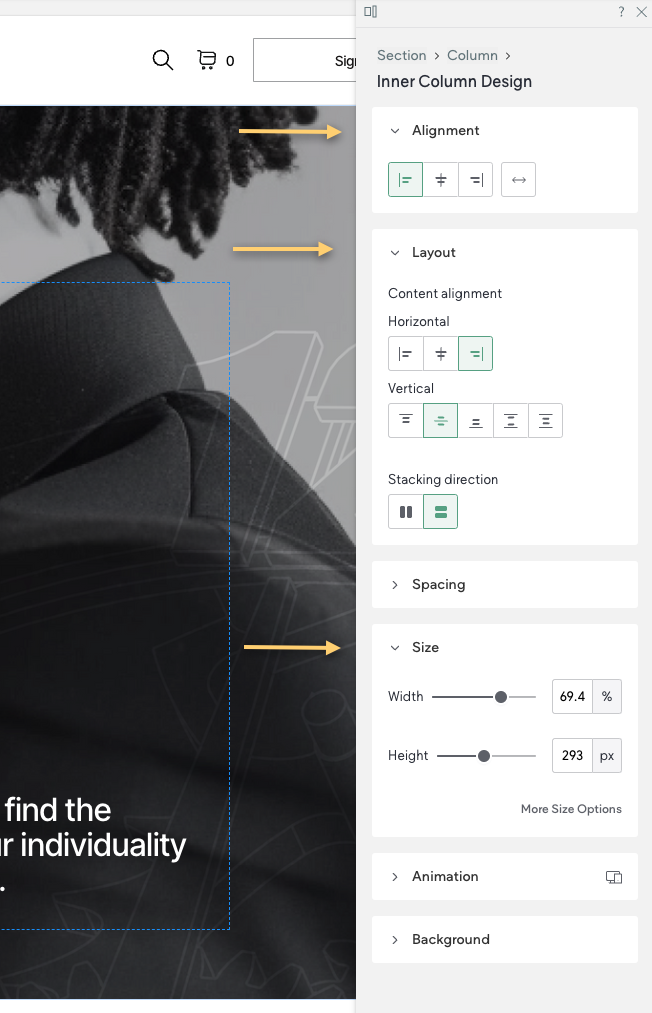
The new Design panel has a permanent home on the right side of your canvas—allowing you to quickly make changes to the elements in your design without covering elements or interrupting your work.
This panel includes the ability to edit the styles and animations like you could with the previous editor, but now, there are new characteristics like
element alignment,
element size, and additional
sizing units to help you achieve exactly what you’re looking for.
Helping you navigate the elements
There’s also a
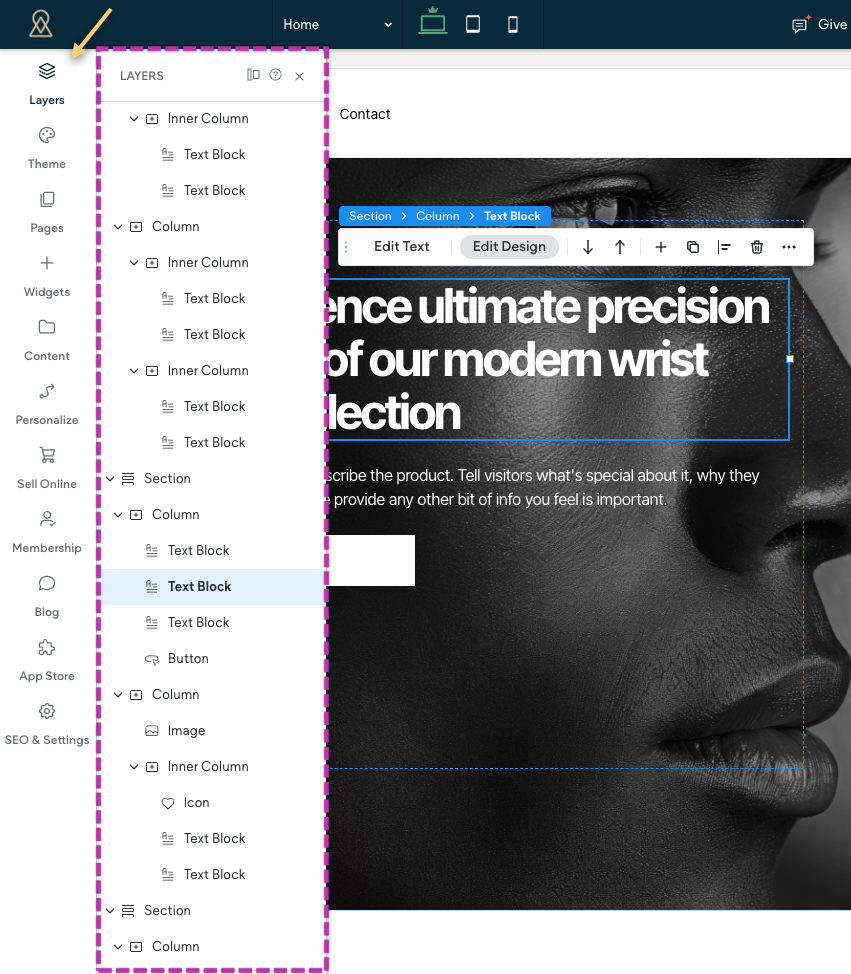
Layers panel, offering a quick way to see how the site is built and navigate between elements. Every element on a page is listed and shown within the structural hierarchy of that page.
Header control at your fingertips
We know many designers start building with the
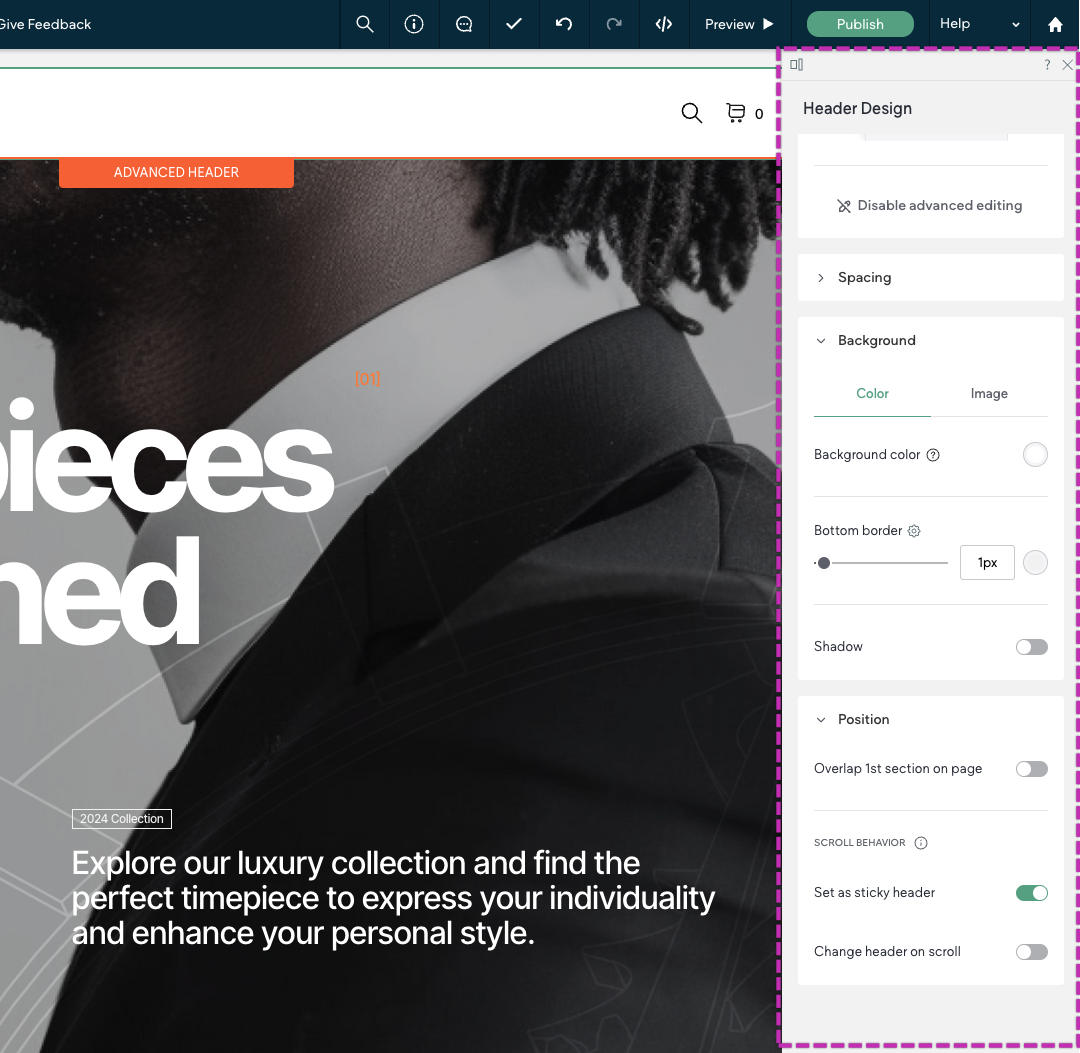
header. Whether your header is basic or complex, we’ve got you covered. Use the basic editor to quickly get the key heading elements in place, or use
Advanced header editing to drill deeper — with additional buttons, social icons, sticky headers, advanced scrolling behaviors, and more!
Automagic layouts for breakpoints to save you time
Duda’s editor includes improved
automatic layout adaptation so your designs automatically adjust for different screen sizes. Simply design once for Desktop, then hop over to the other breakpoints to fine tune your layouts for other screens.

Yep. There's more.
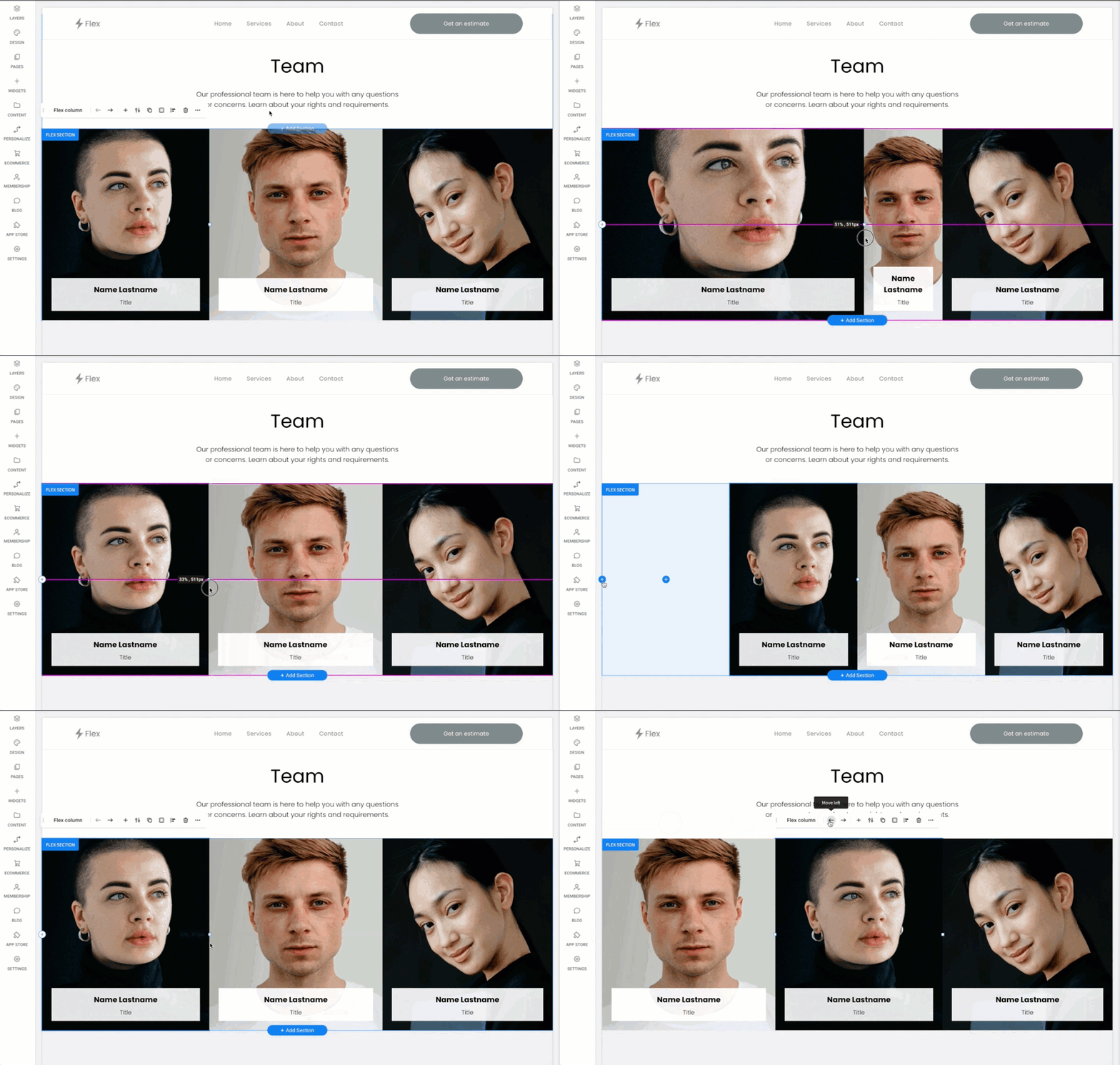
Drag to Resize Columns
Quickly resize columns to accommodate long paragraphs or wide images
Explore Editor 2.0 Yourself
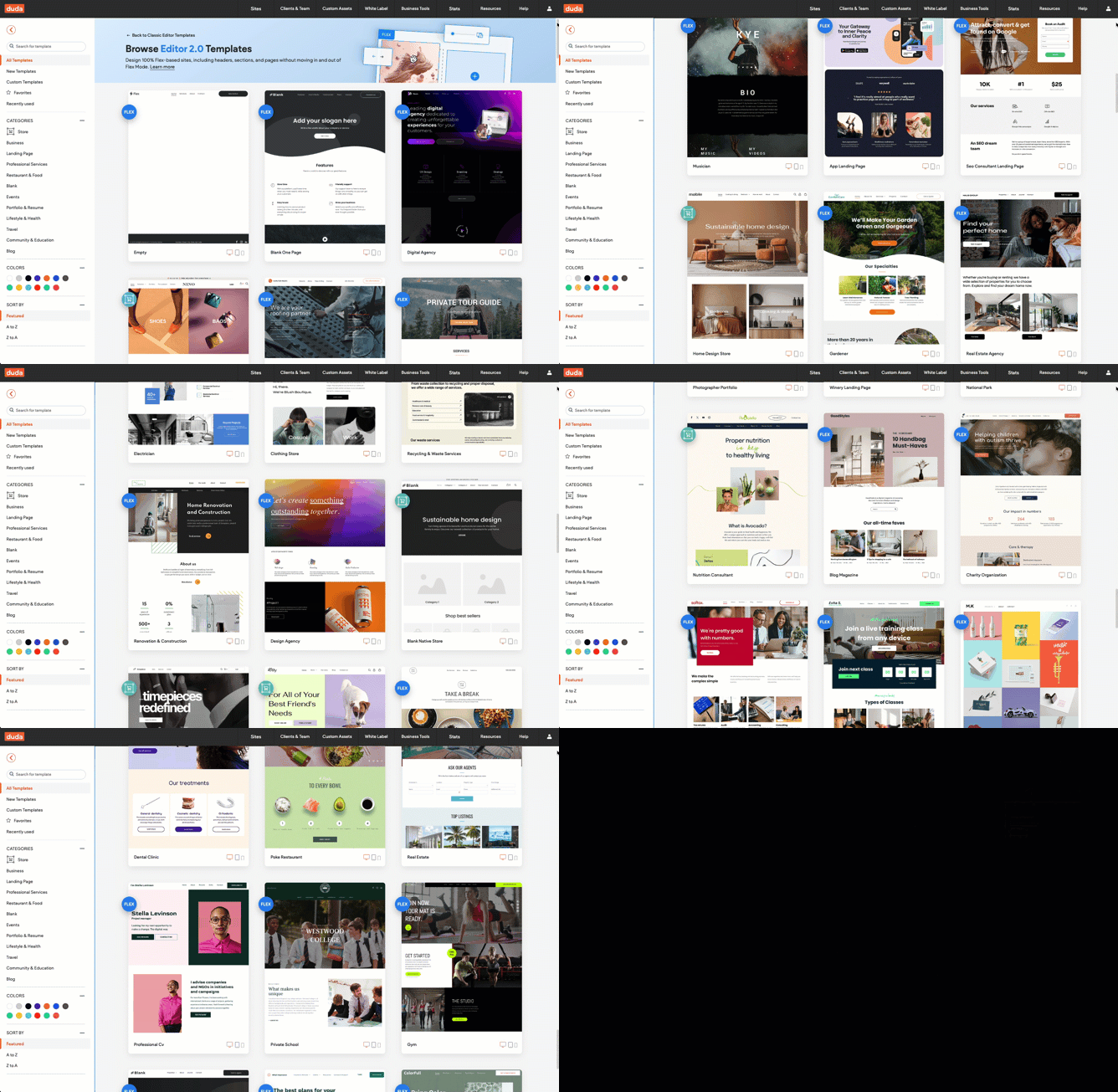
When you go to create a new site, you'll now land on the Editor 2.0 template catalog.
All of the templates you're familiar with from the Classic editor have been rebuilt for you in Editor 2.0.
Ready to to explore what Editor 2.0 can do?
Spin up an Editor 2.0 site today!