
The header section
/BUILD WITH US
One of the most important aspects of a website is the site’s Header.
The Header contains the business’ logo, the site’s navigation, and sometimes links to contact forms or social media so people viewing the page have quick access to other places they can find and follow updates from the business.
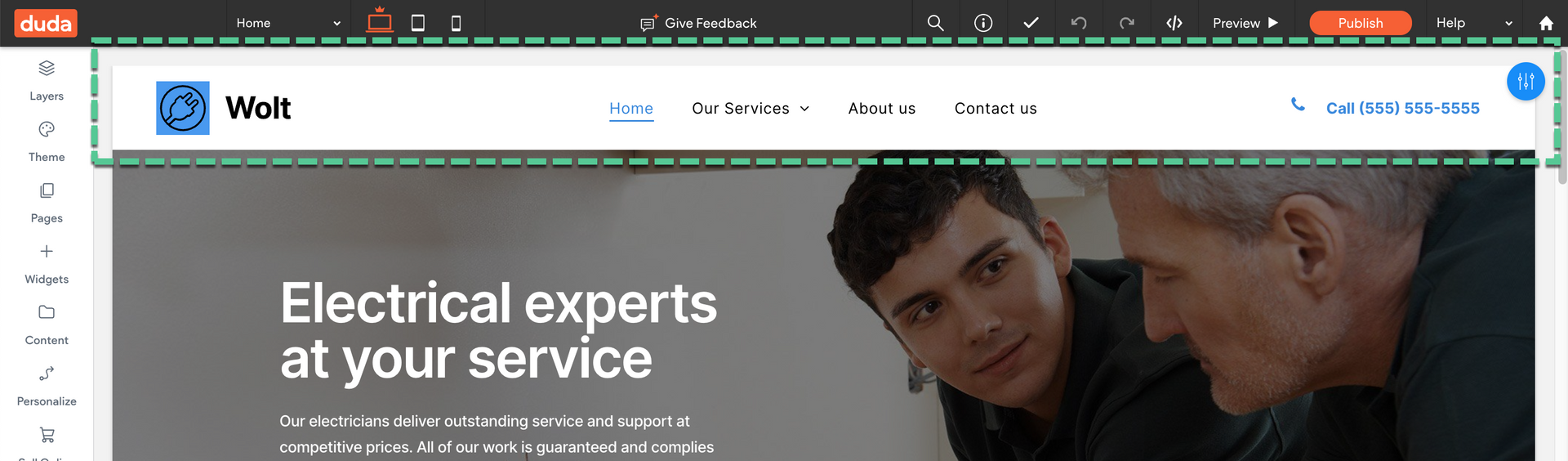
Customizing the header of your website in Editor 2.0 involves various design elements to enhance aesthetics, functionality, and user experience.
The Header's design panel provides control over four key characteristics:
- Presets. Explore consistent layout options across screen sizes, such as top navigation and hamburger styles, with the option to enable advanced editing for additional customization.
- Spacing. Set padding and margins universally across all screen sizes to ensure visual balance and optimal usability.
- Background. Customize background elements like color, image, borders, and shadows consistently across screen sizes.
- Position. Enable sticky headers or apply scroll-based effects to improve navigation and user interaction.
Note
Creating the core pages for a site is often done when the header is created since the global navigation is often found in the header of a site.
For this activity, we won't be creating any additional pages outside of the pages that were already provided in the electrician template, however, you can
add more pages using the Pages panel
if you wish!