
/PREPARING to build your ONLINE STORE
Help customers find your products
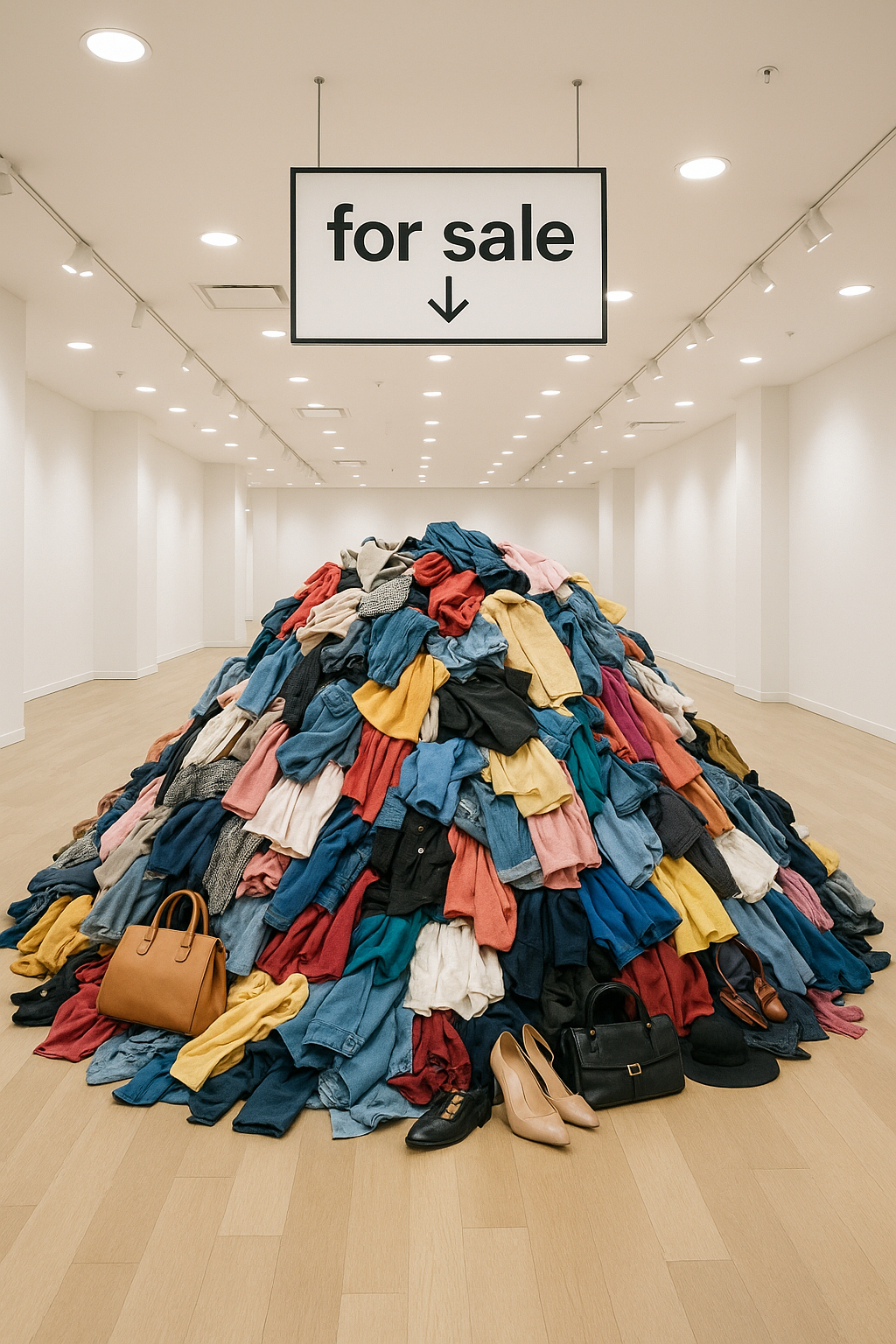
Imagine walking into a store where everything is just piled on the floor.
It would be difficult to find what you need, right? Selling online is the same. When you have a lot of products, you need to help your customers find them easily.
A well-organized store makes it easy for customers to find what they're looking for, which means they're more likely to buy from you.
Our platform allows you to organize your products into groups to help people find things.
Product categories
Product categories are like the signs in a store—they group your products together so shoppers can quickly browse what they're interested in. For example, let's say your business specializes in hot sauce and salsa. You could create categories to help shoppers discover products based on the heat level: "Mild," "Medium," "Hot," and "Extreme!!"
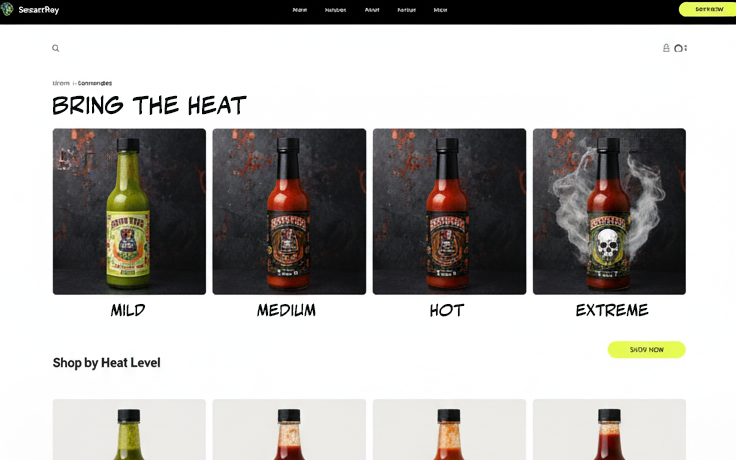
When a customer clicks on a category, they'll only see the items you've placed in that group. This saves them time and makes their shopping experience better.
Subcategories
If a category has a lot of products, you can use
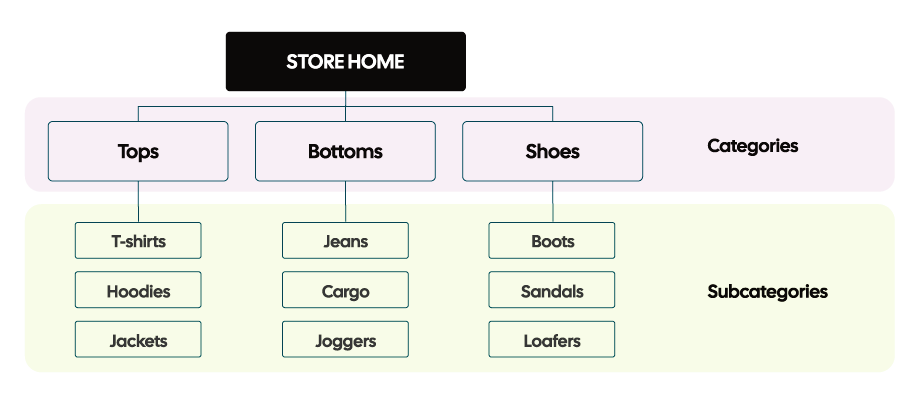
subcategories to get more specific. For example, if one of your main offerings is "shoes" you might have categories such as "loafers," "sandals," and "boots." Subcategories can help your browsing customers navigate your products and narrow their search.
Best Practice
When organizing your store's products:
- Use simple, clear names. Don't use fancy or confusing names for your categories. Use words your customers would actually type into a search bar, like "Shoes," not "Footwear."
- Use subcategories.
If you have huge categories with lots of products, consider breaking those down into smaller groups using subcategories. For example, "Shoes" could have subcategories like "Sneakers," "Sandals," and "Heels."
- Don't overdo it.
Having too many categories can be just as confusing as having none at all. Aim for a simple, clean layout that is easy to navigate.
The importance of the search bar
While some people will enjoy browsing the different sections of your store, others might know
exactly what they're looking for. For them, a search bar is a lifesaver.
When a customer types in a search term, they expect to see relevant products pop up right away. This is important because when a customer uses the search bar, they are often ready to buy. A good search experience helps them find what they want quickly and easily.
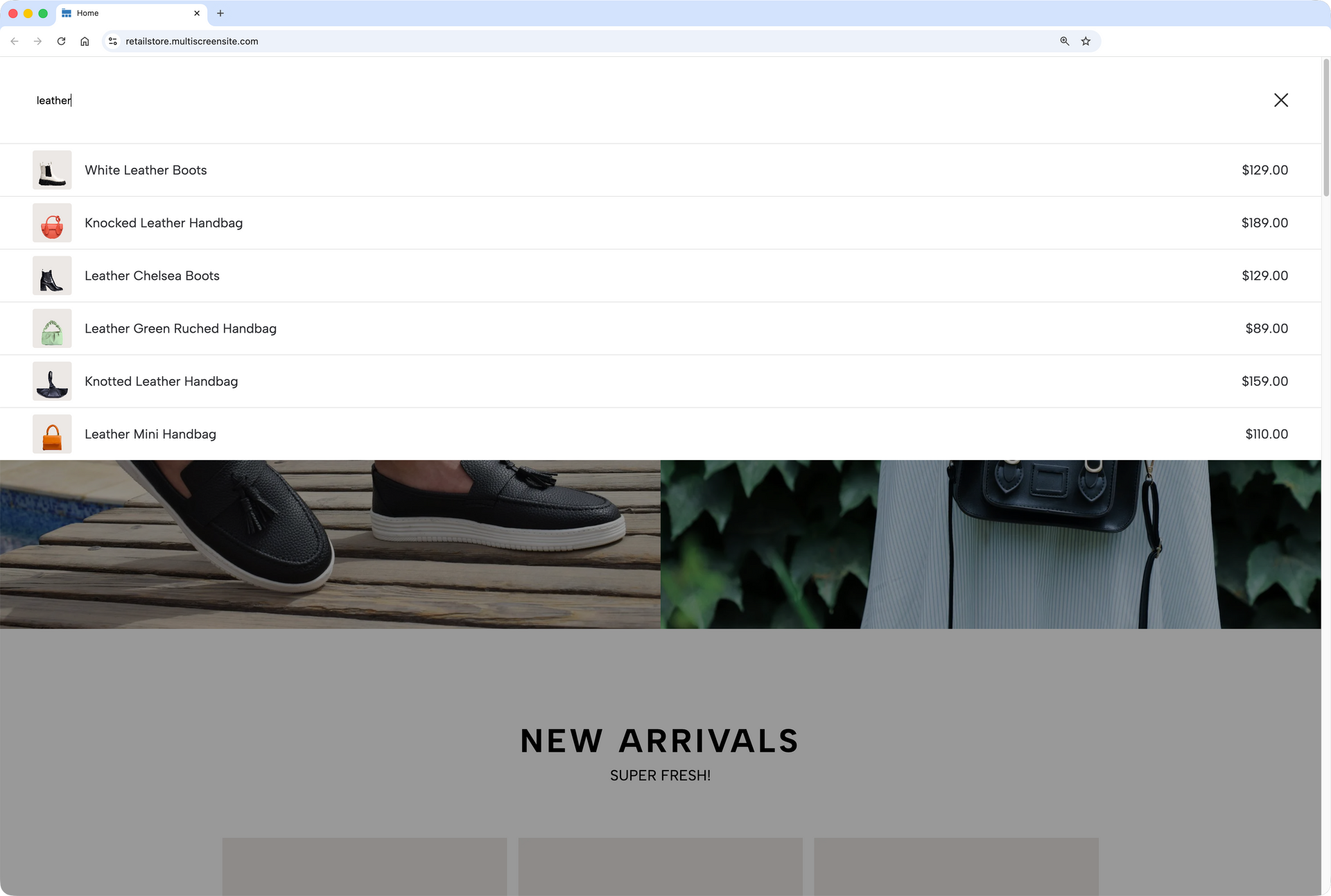
Supporting search success
So, where does the search bar get its information? Sadly, it's not magic. The search engine looks at the words you've used to describe each product from a few key places:
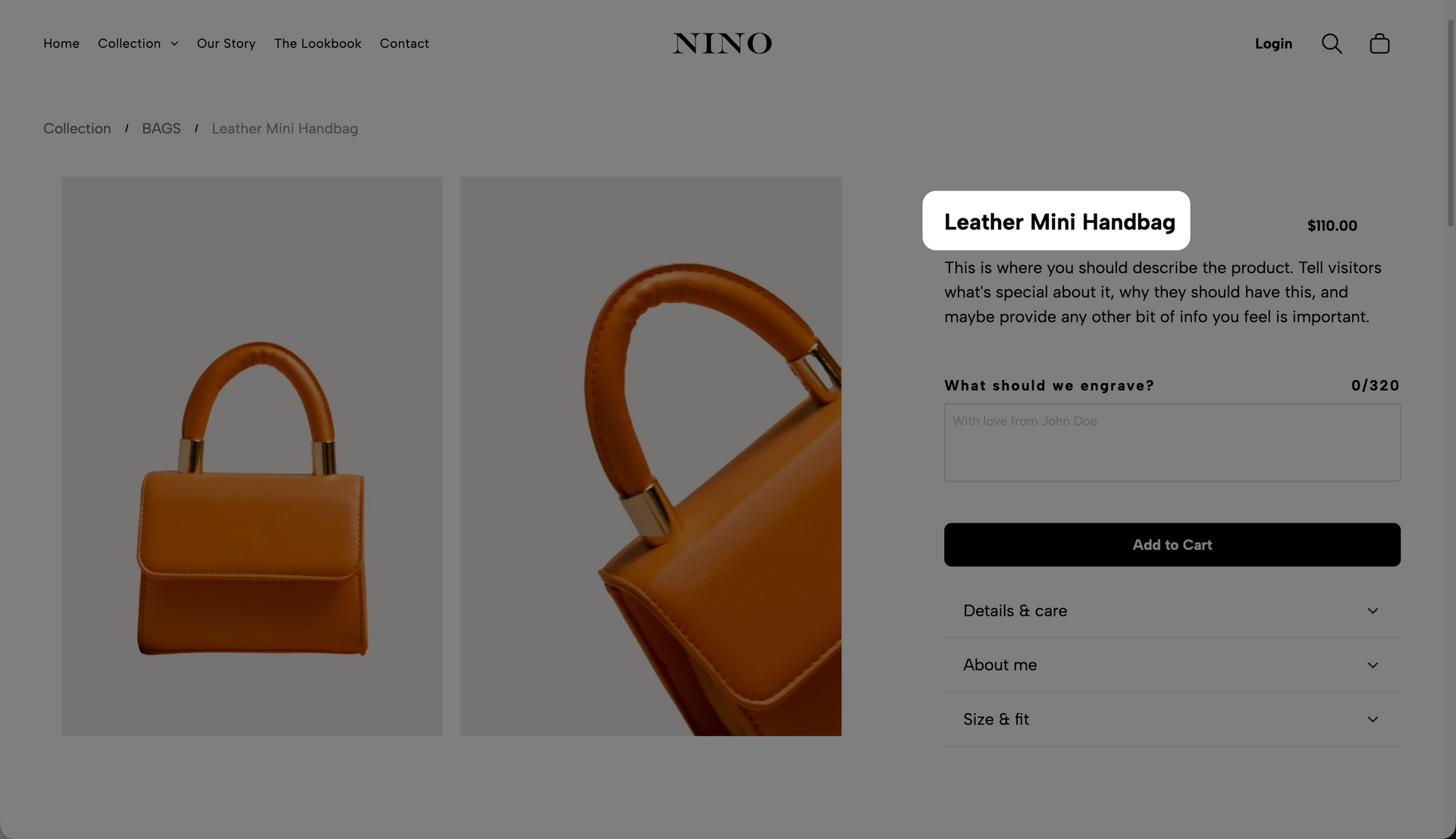
The Product Title
This is the name of your product.
A good, clear title is the first thing the search looks at. For example, a title like "Handmade Blue Ceramic Mug" is much better than just "Mug."
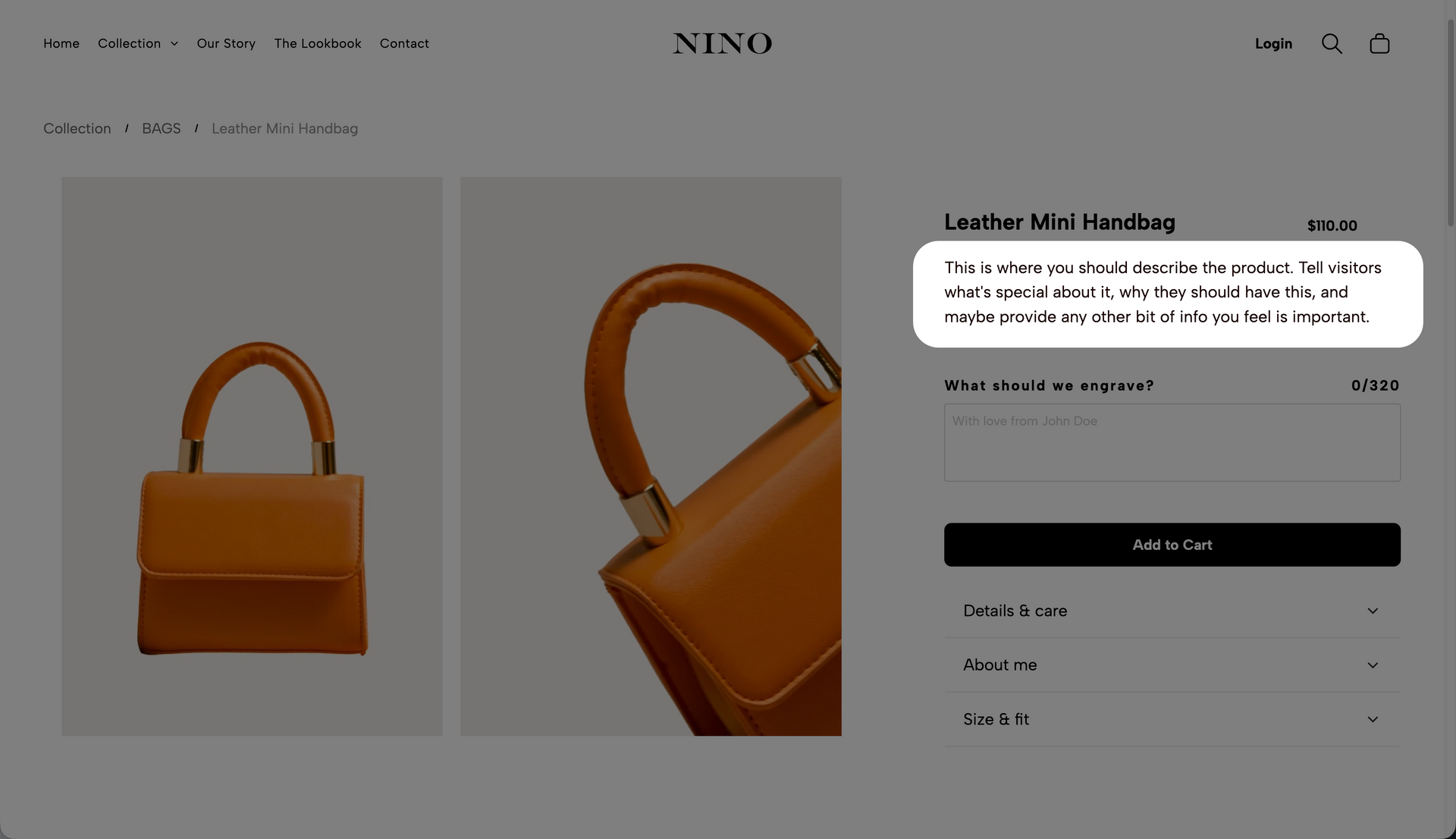
The Product Description
This is the text where you describe the product.
The search reads this text to find any matching words. The more detail you include, the more likely your product is to show up in a search.
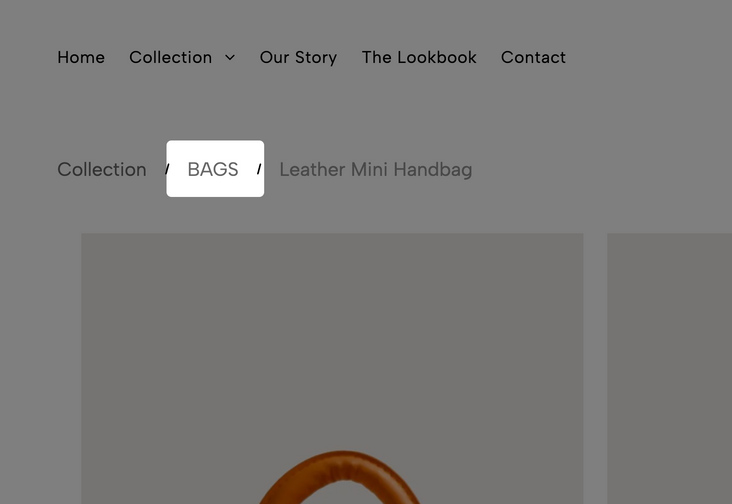
Product Categories
The search also looks at the category you've placed your product in. If a customer searches for "jeans," a product in the "Pants" category has a better chance of being found.
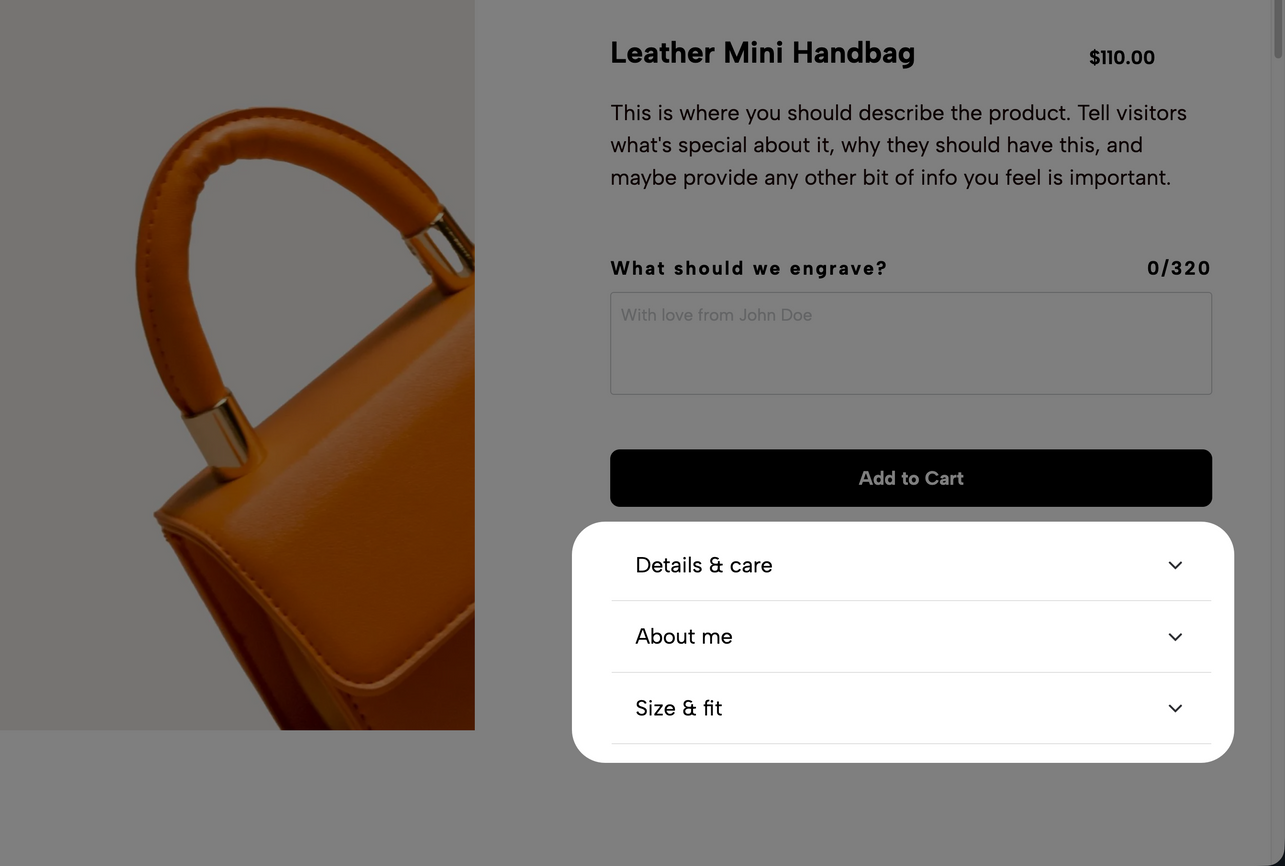
Custom Content Blocks
The search also checks the text you've included in any
custom content blocks you've created. These are special fields that can be customized to hold whatever type of information that you want to include. For example, you could include an ingredients list for edible items, care instructions for clothing, etc.
The more details you fill in for each product, the smarter your store's search experience becomes. Taking the time to add good titles, descriptions, and tags is one of the best ways to help your customers find and buy your products.