
Well done
/COURSE SUMMARY
Here’s a quick recap of what you accomplished:
- Add a store to both new and existing sites
- Create new products and display them using the Product Gallery widget
- Build and organize product categories for a clearer shopping experience
- Customize the Product Page to control how product details are presented
- Add product variants to offer different sizes, colors, or styles
- Use Product Gallery widgets to customzie your Category pages
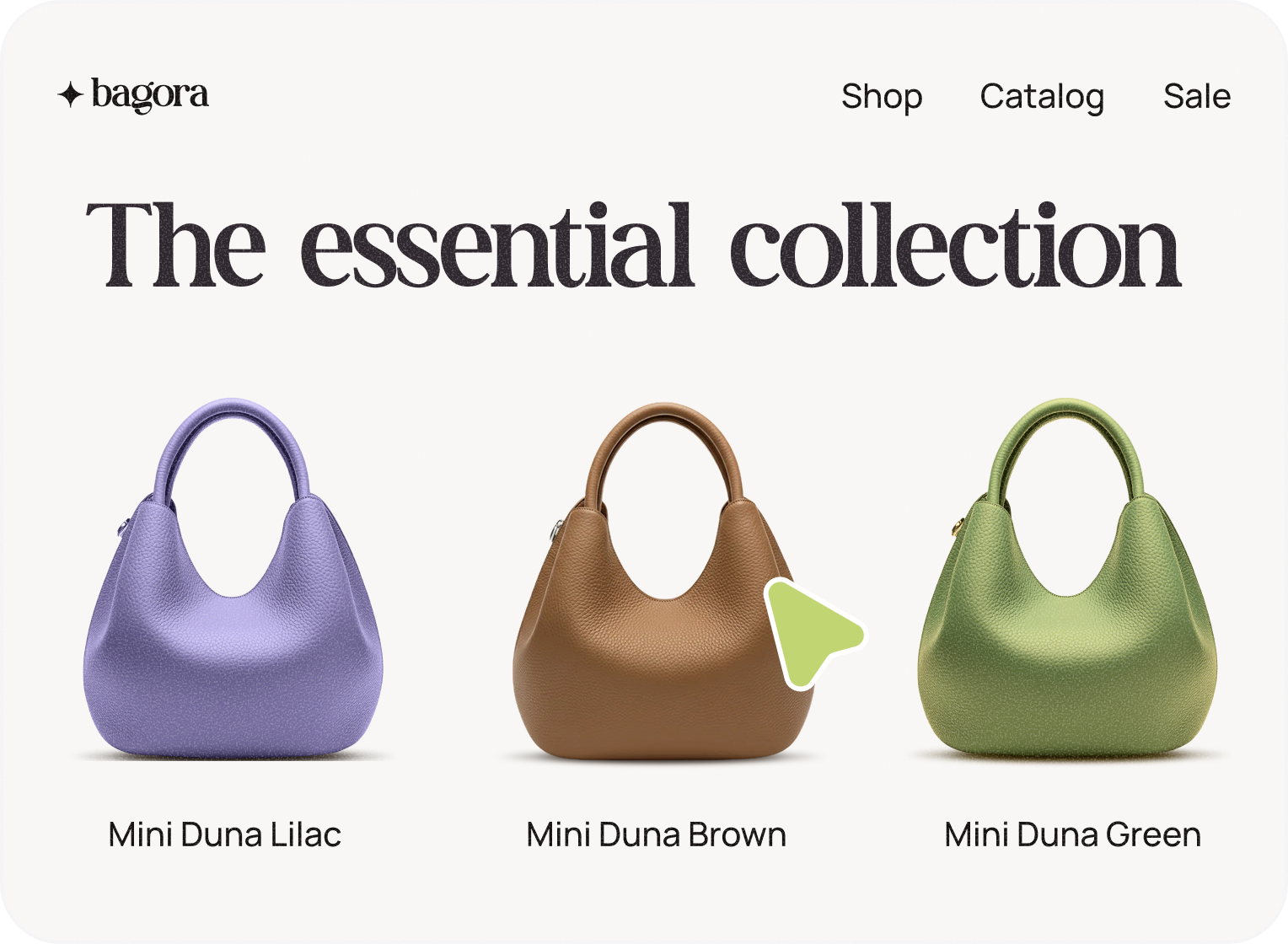
You are here
Building an online store involves several steps. By completing this course, you are laying the foundation for your virtual store.
Congratulations on taking this second step!
Loading timeline...
No milestones found. Please add items to your collection.
What's next?
We've got more native ecommerce courses in the works, however, in the meantime, check out these resources for more information!
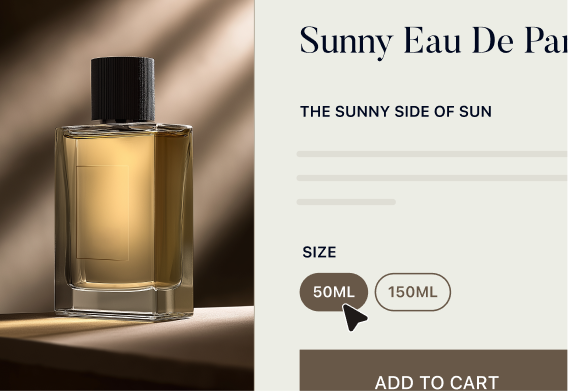
Get started with a brand new store! Includes an overview of the end-to-end process.
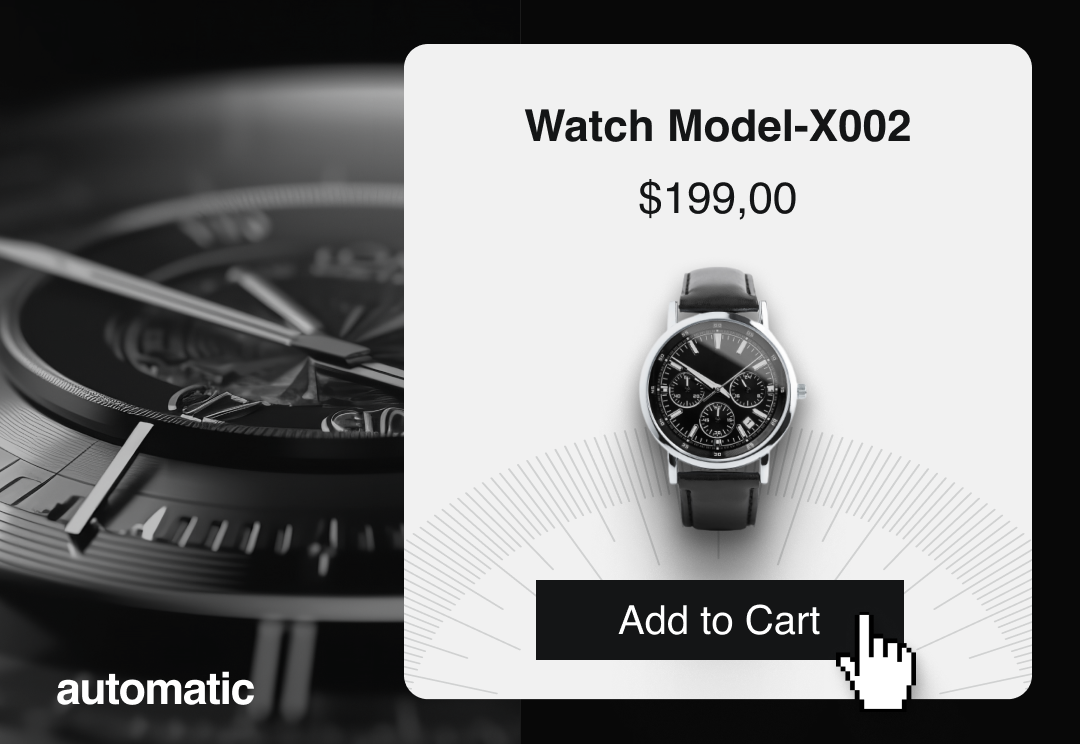
[course]
eCommerce Best Practices
Learn techniques to appeal to customers, get discovered, and boost sales.
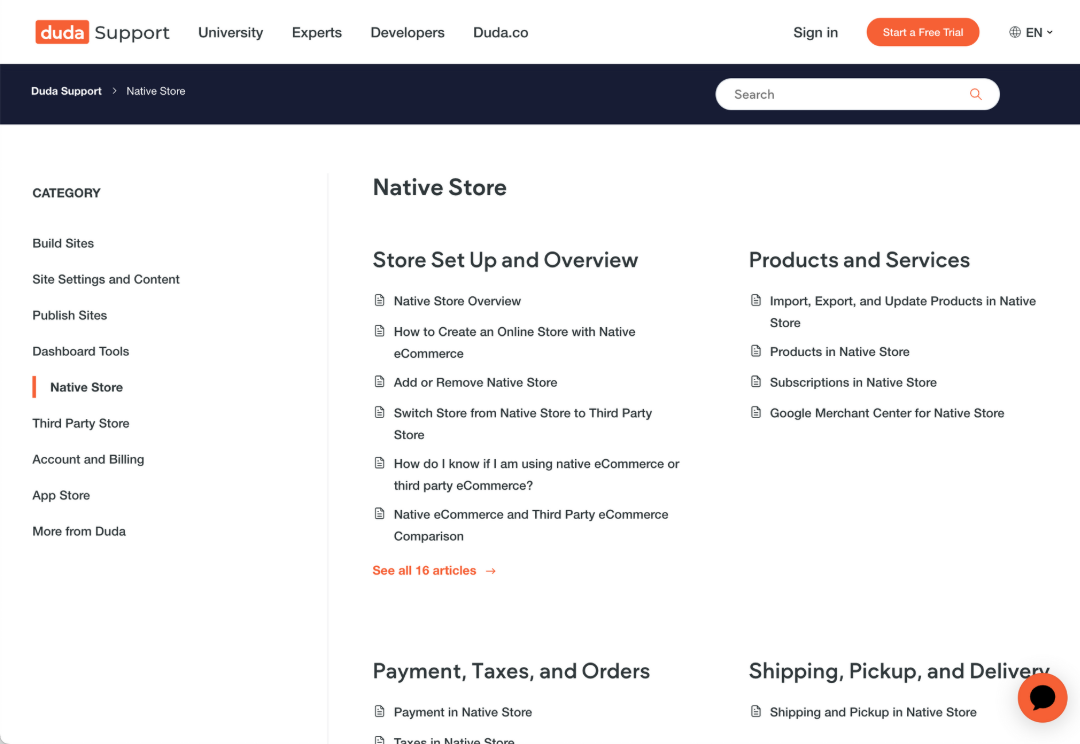
[documentation]
Native store support articles
Explore documentation for all the pieces and parts of the native store builder.