
Meet the editor
/Editor 2.0
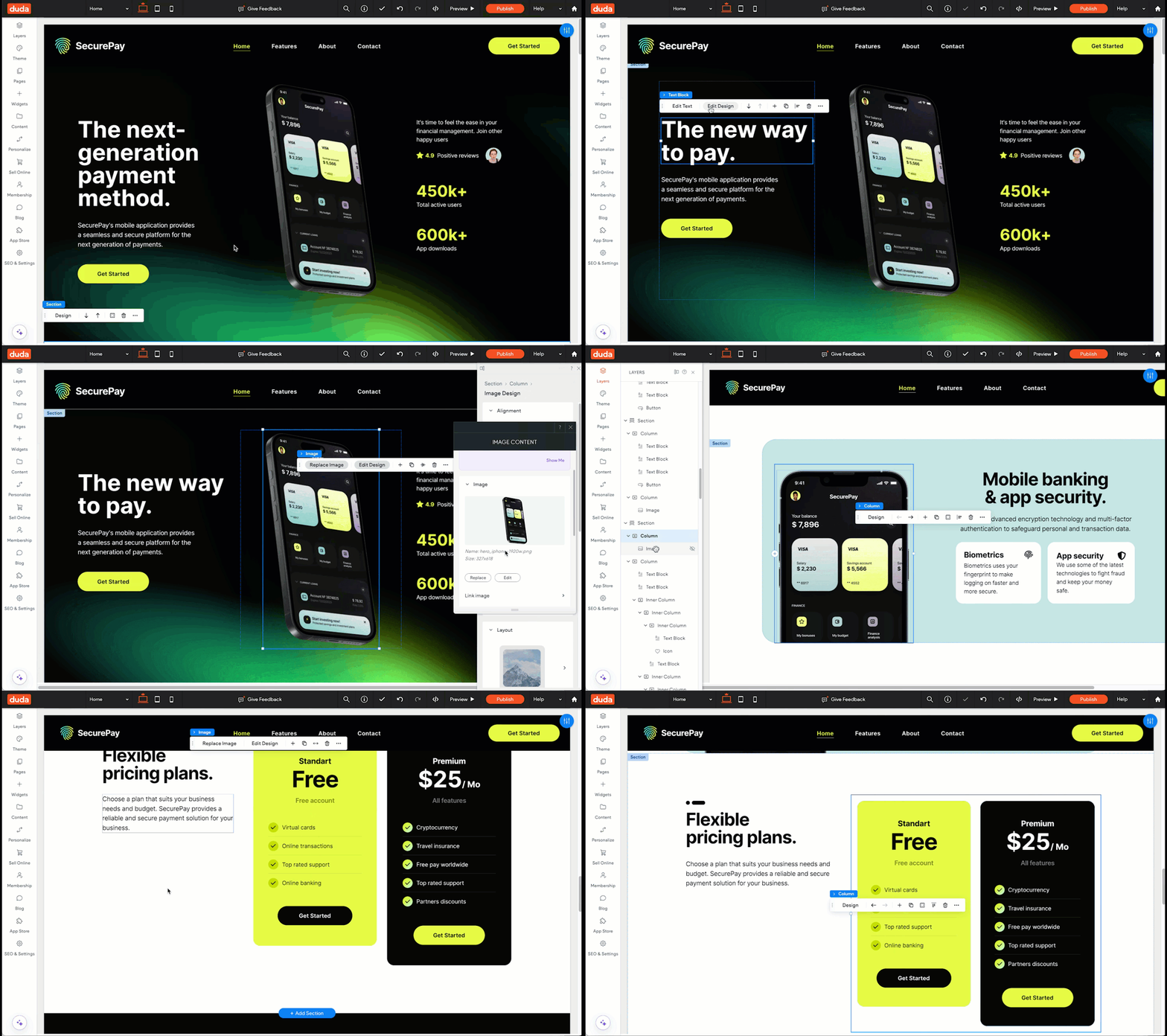
When you're ready to add content, layout, and interactive elements to a page, you're going to use Editor 2.0.
You can add new elements, edit existing elements, customize , and add content, interactions, animations, and more — all without the need to write code (unless you want to).
Behind the scenes, Duda's editor is generating web-ready code in the background as you design, ensuring compatibility with web browsers and automatically adapting your design for tablet and mobile screen sizes.
Ready to build an Editor 2.0 site?
Let's meet your client and get all the assets you'll need to build a site with us.
Continue to the next lesson.
The editor is where you'll bring your website visions to life. With a flexible and intuitive interface, Editor 2.0 is designed to make site building powerful and fun, giving you complete control over your design while ensuring your site looks great on every device.
Ready for a quick tour of your new workspace?
In this video, we'll walk you through the four main components that make up Editor 2.0. You'll get a solid understanding of the tools you'll be using to build and manage your site with confidence.
Explore the platform at your own pace
Use the interactive guide below to walk through the platform at your own pace.