/collect content + create site
Content collection
Although you have everything you need for this project, we wanted to take a moment to make you aware of the other content options you have when creating a site with Duda.
Collecting content from clients
You can easily gather content directly from your clients by sending them a form via a custom link. Content collected through the form will be added to the library of assets available for use in that particular site.
To collect content
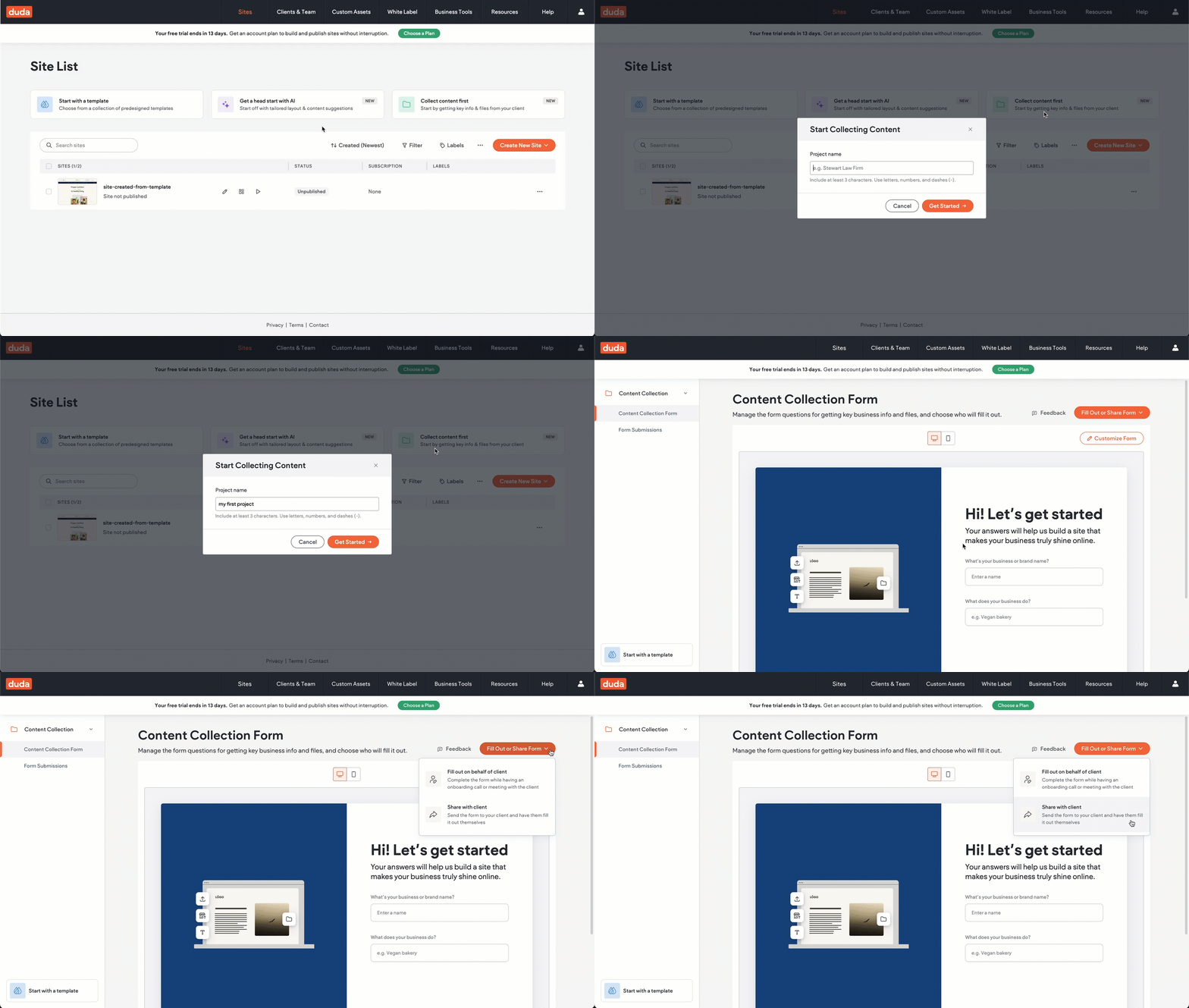
If you want to collect content from your client before creating a site, from your Site List, click Collect content first. From there, you can share a link to the content collection form.
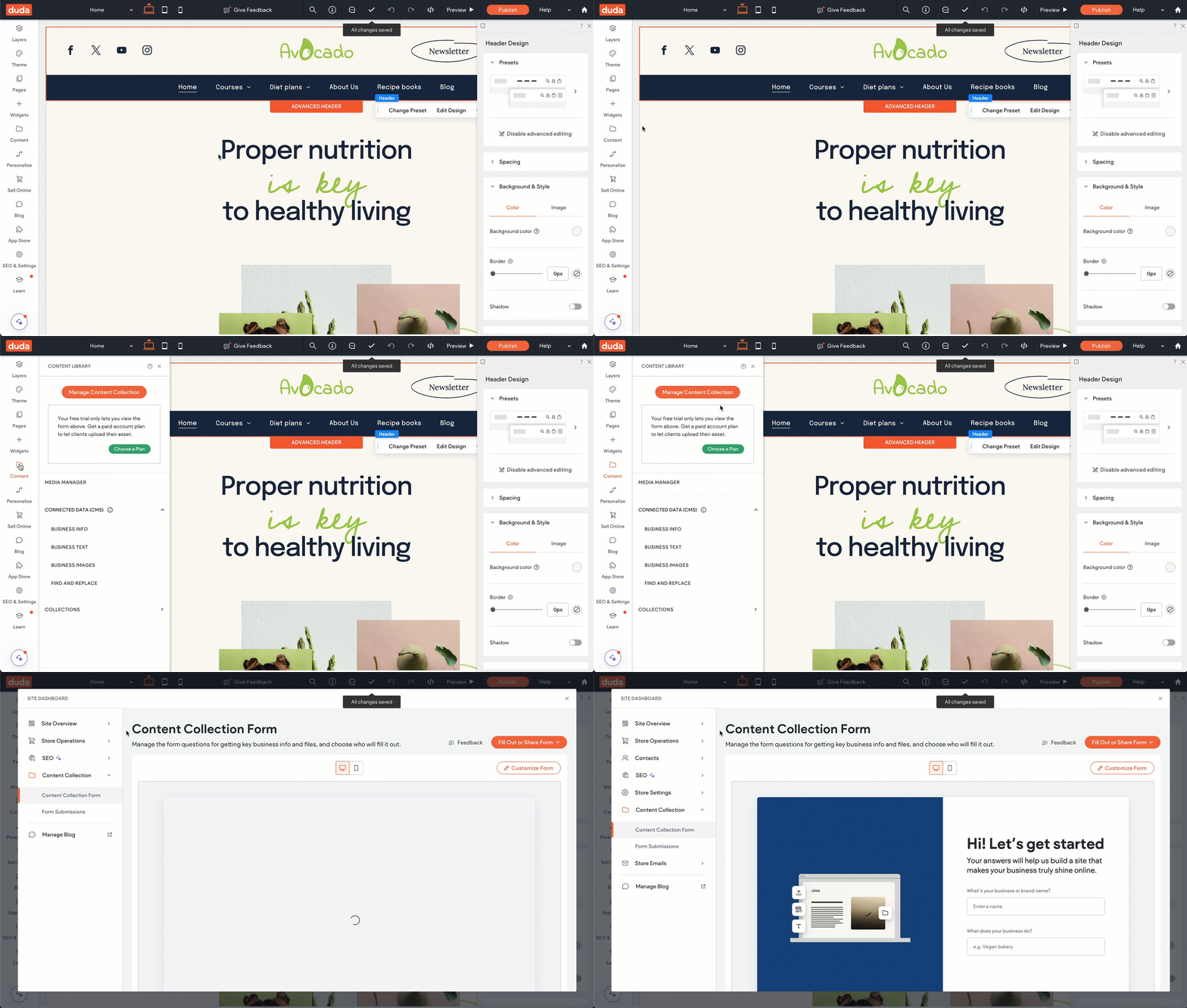
If you already have a site you want to work with, open it in the editor and go to the Content Library. Then click Manage Content Collection.
Note
Want to learn more about collecting content?
Check out
this help article from our help center for a deeper dive into importing and collecting content.
Sourcing additional content
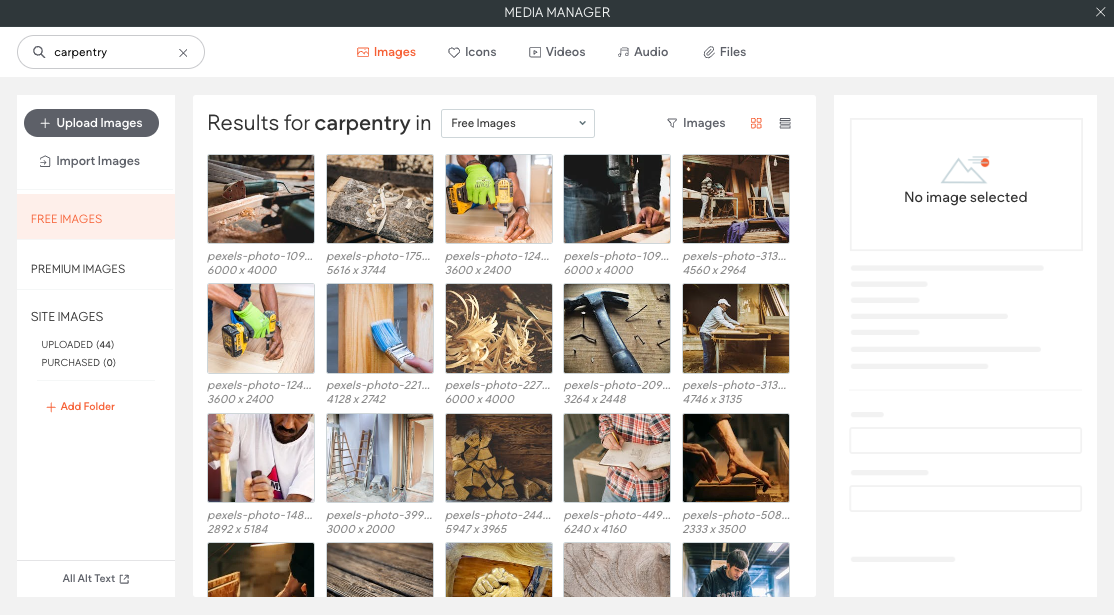
In those moments when you need an image but your client doesn't have one, know that Duda provides access to a library of free images (source from Pexel) and premium images (sourced from Shutterstock) within the editor. These can be added directly to your site’s media library and used across various widgets.