Optional lessons = more practice!
/Editor 2.0
We're glad you're here! If you're aiming to complete the Editor 2.0 template transformation we started in the previous lessons (converting the electrician template to a carpentry site), that's awesome—we've got more lessons for you.
This course contains a series of extra lessons you can use to gain more practice with things like adding a widget to a page, duplicating columns to save yourself time, replacing and reordering sections, updating layouts in the 2 other breakpoints, and of course manipulating images, copy, spacing, alignment, and buttons.
Your Choice
Use the menu below below to jump to the section you want to work on or use the navigation on the left.
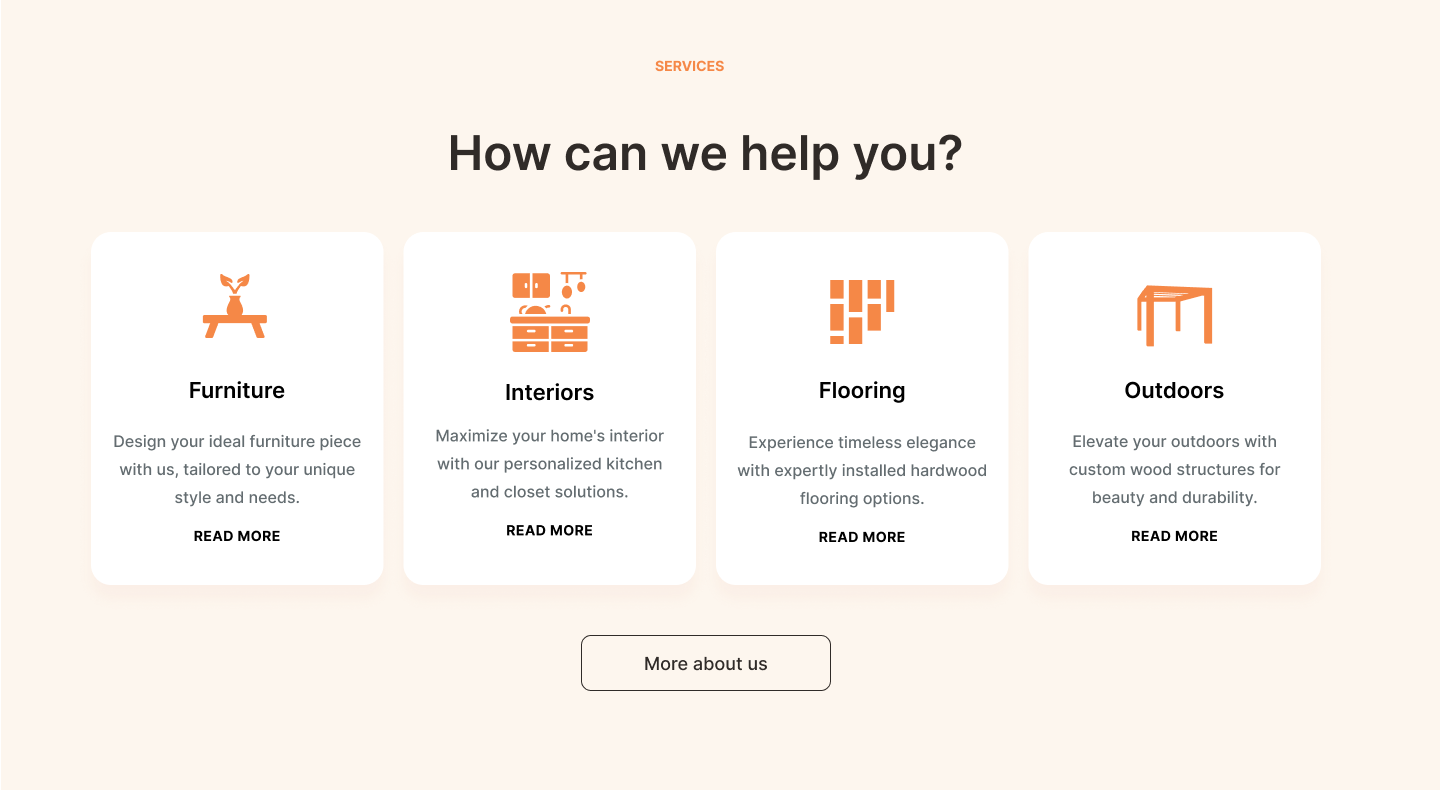
Services section
Learn how to move sections on a page and duplicate columns to maximize efficiency
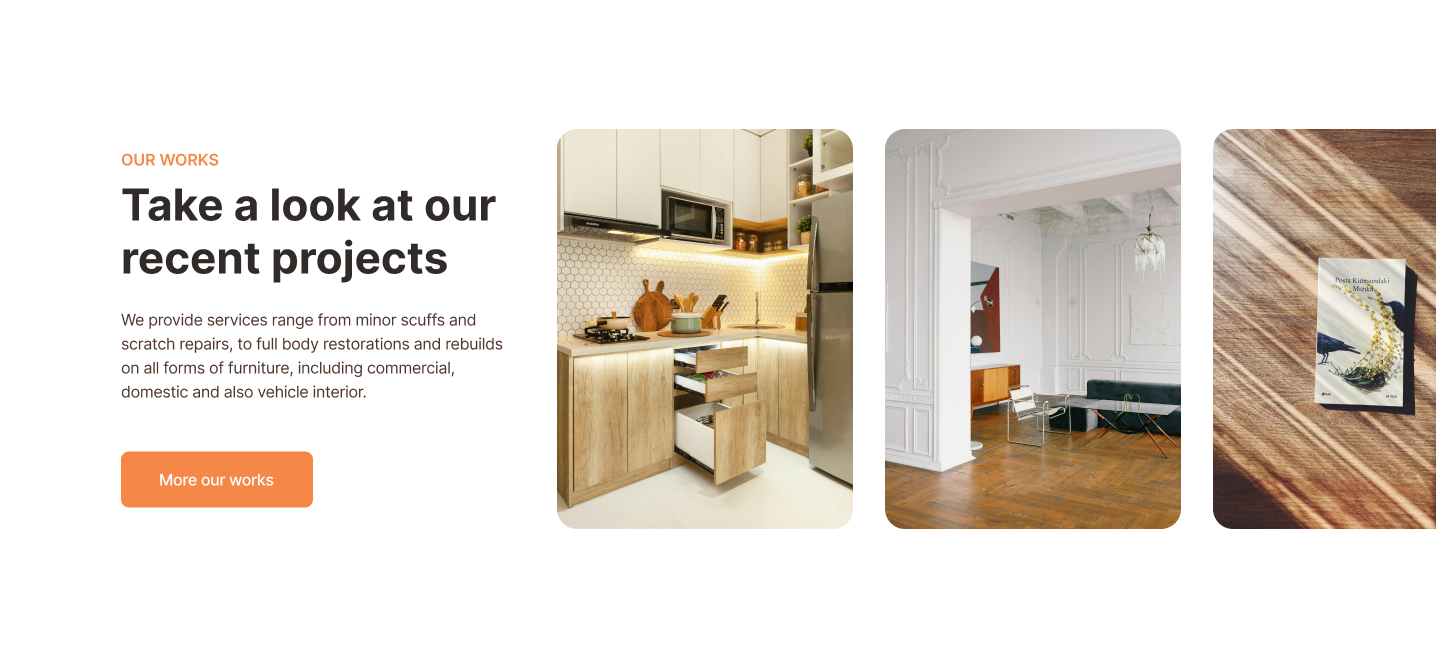
Showcase section
Learn how to replace a section and use the Media Slider widget
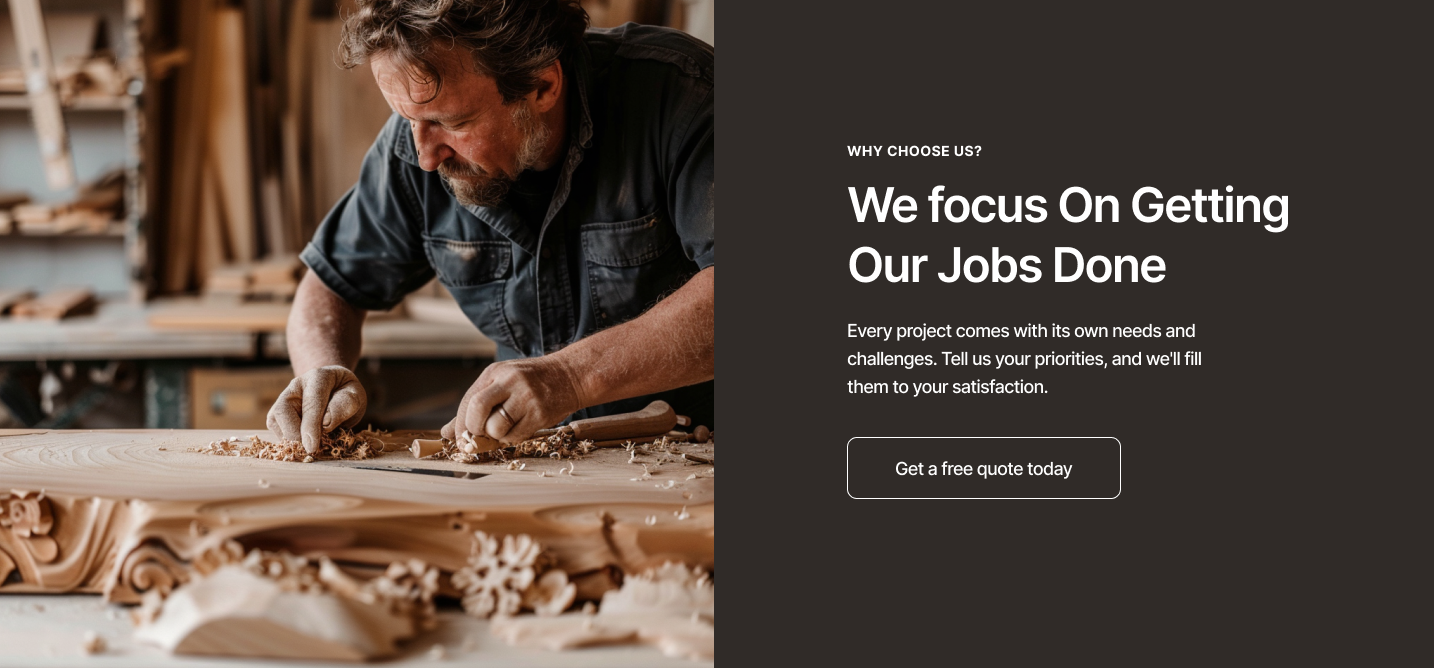
Why Us section
Get more practice modifying background colors, buttons, and text.
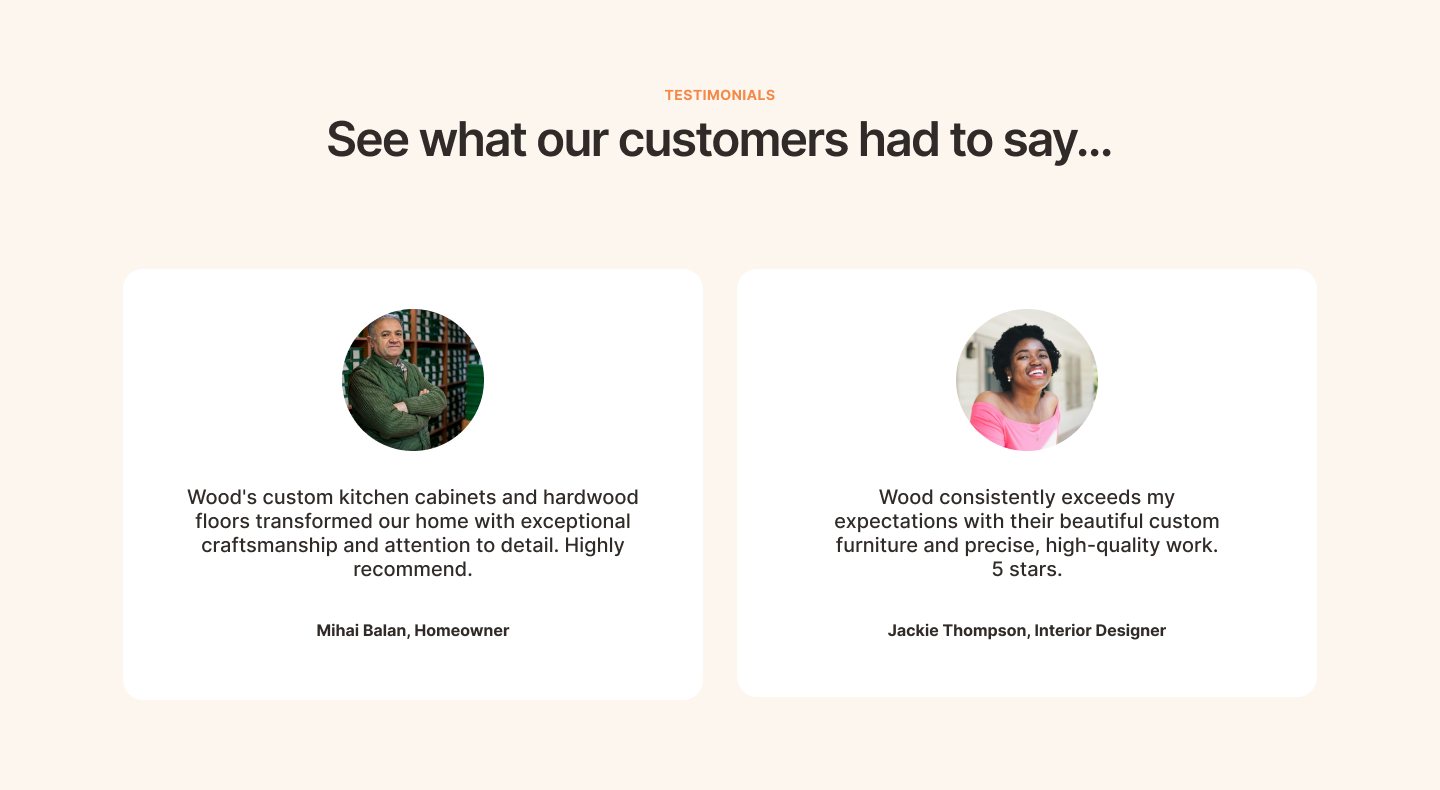
Testimonials section
Practice modifying images, colors, and text before duplicating a column to preserve settings.
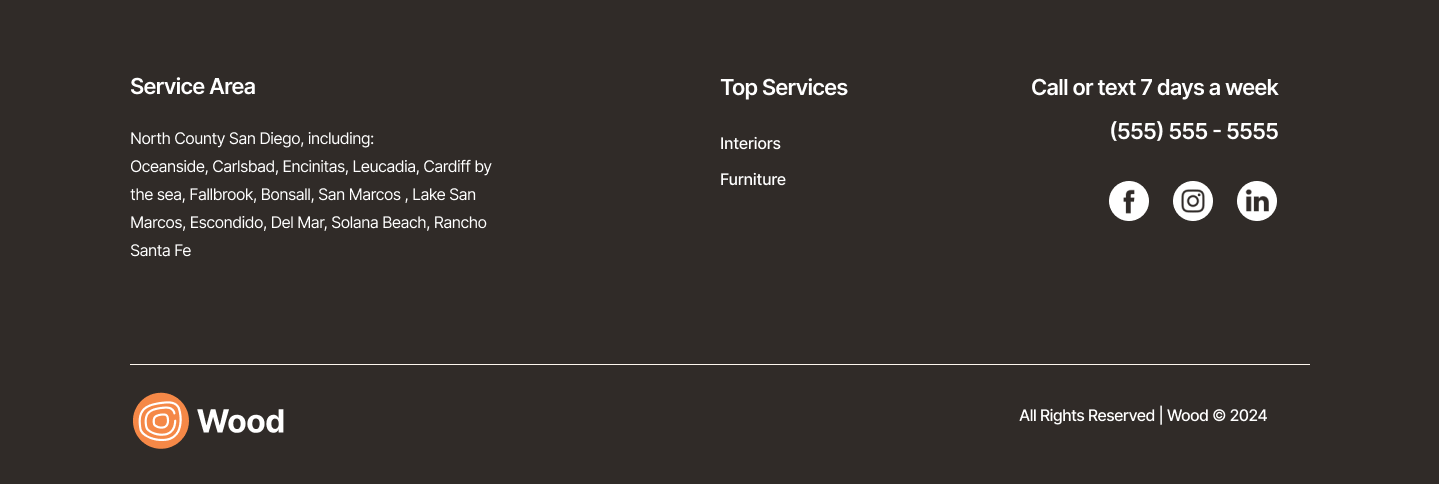
The Footer
Modify all parts of the footer to match the rest of our site: change the logo, the navigation, the social media links, and the formatting.
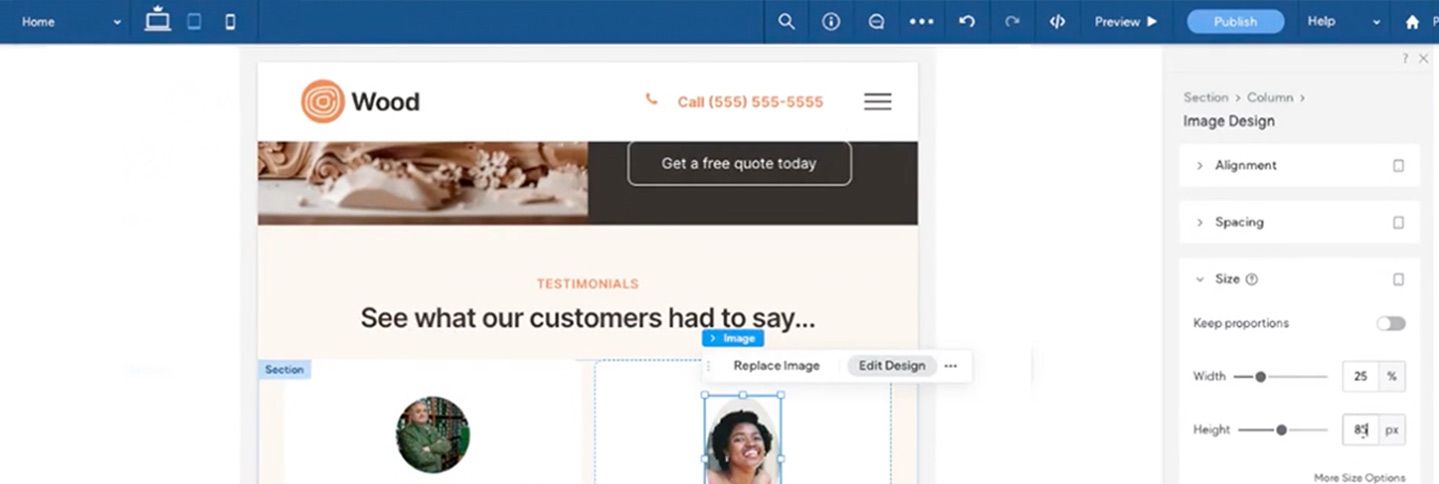
Configure breakpoint layouts
Check out what the editor's automatic layout adaptation has already done for your tablet and mobile layouts. Then customize the layout breakpoints as you see fit.