
/media manager & site theme
Customize the site theme
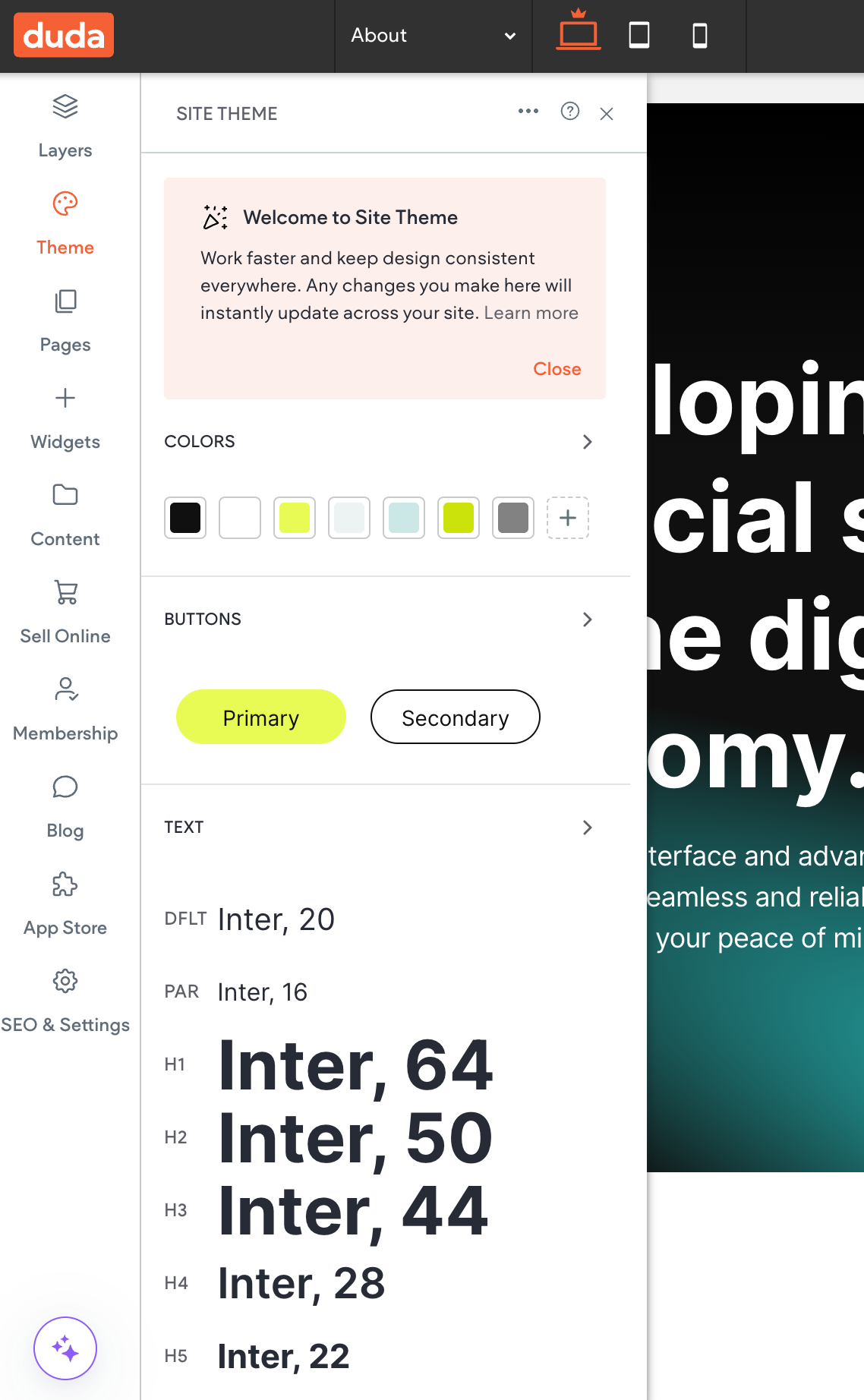
The Theme Panel
Site Theme feature (formerly known as Global Design) acts as a centralized control panel for managing the overall visual style of a website. It enables you to apply consistent design styles across all pages, ensuring a cohesive and professional look for your entire site.
Key points to remember
Global changes: Changes made in the Site Theme panel apply to the entire site.
Overrides: Specific changes to individual widgets or pages will override the global themes set in the Site Theme panel.
Example: Let's say you've applied the following theme styles for an H1:
Font: Arial
Size: 48px
Color: Dark Blue (#000080)
This means every H1 on your website will automatically display as dark blue Arial text at 48 pixels in size.
However, on the client's homepage, you have a particularly important H1 that needs to stand out. You decide it should have a different color to emphasize its content. To achieve this, you can customize its color to emphasize the content. This individual widget customization will take precedence over the global styles defined in the Site Theme.
This H1 will no longer be controlled from the Site Theme panel, so if you were to try to update it from there, that specific H1 will ignore the new global theme settings, and you'll have to go to the individual H1 text to update the styles.