
/PREPARING to build your ONLINE STORE
Collecting payments & calculating taxes
Let's continue the planning process. Next, you’ll want to think about how money will be exchanged. Here's another critical question for you:
How are you planning to accept payments?
If you want to allow customers to pay for their purchases online, you'll need to use a payment processing vendor that handles the exchange of money. If you already have a physical brick-and-mortar storefront, you're probably already using some kind of payment processing solution. The payment vendors that the platform supports are:
- Stripe
- PayPal
- Square
- Klarna
- Mollie
- Authorize.net
If your payment processing solution is not in the list above, you'll need to choose one to allow you to accept payments online OR consider accepting payment only when your customer comes to pick up their order.
Note
If you prefer, you can choose to use to not transact online and instead use your store as an online showcase. With this approach, customers can't checkout or pay for anything, but they can still see what you offer and reach out to you if they intend to purchase an item.
Taxes
Another payment-related question you'll need to think through:
How will you handle taxes?
There are a few dimensions to this. First, you'll need to identify where you're going to sell:
- Are you selling only within your local town or community?
- Are you planning to sell to buyers in other cities, states, or regions?
- Are you planning to sell internationally?
Now ask yourself: Do you have a good sense of how to calculate sales taxes for each geographic area you're planning to sell to? If not, you'll need some help from a tax professional.
Important
We do not offer tax advice. If you're not aware of how to calculate sales taxes for your region, we recommend consulting a sales tax professional to help you.
Configuring taxes in the platform
Within the platform you have 2 option for handling taxes:
You can:
- Calculate taxes manually: you'll set up rates yourself for the different regions
or
- Use Avalara: This is a 3rd-party service that requires you to have an Avalara account. It handles complex tax calculations for you.
Use the following to learn more about each of these options:
Configure taxes manually
Using Avalara
To configure taxes manually, you'll create tax zones for each country you ship to. Rates for each of these zones can be set independently so your customers in those regions are taxed the appropriate amount.
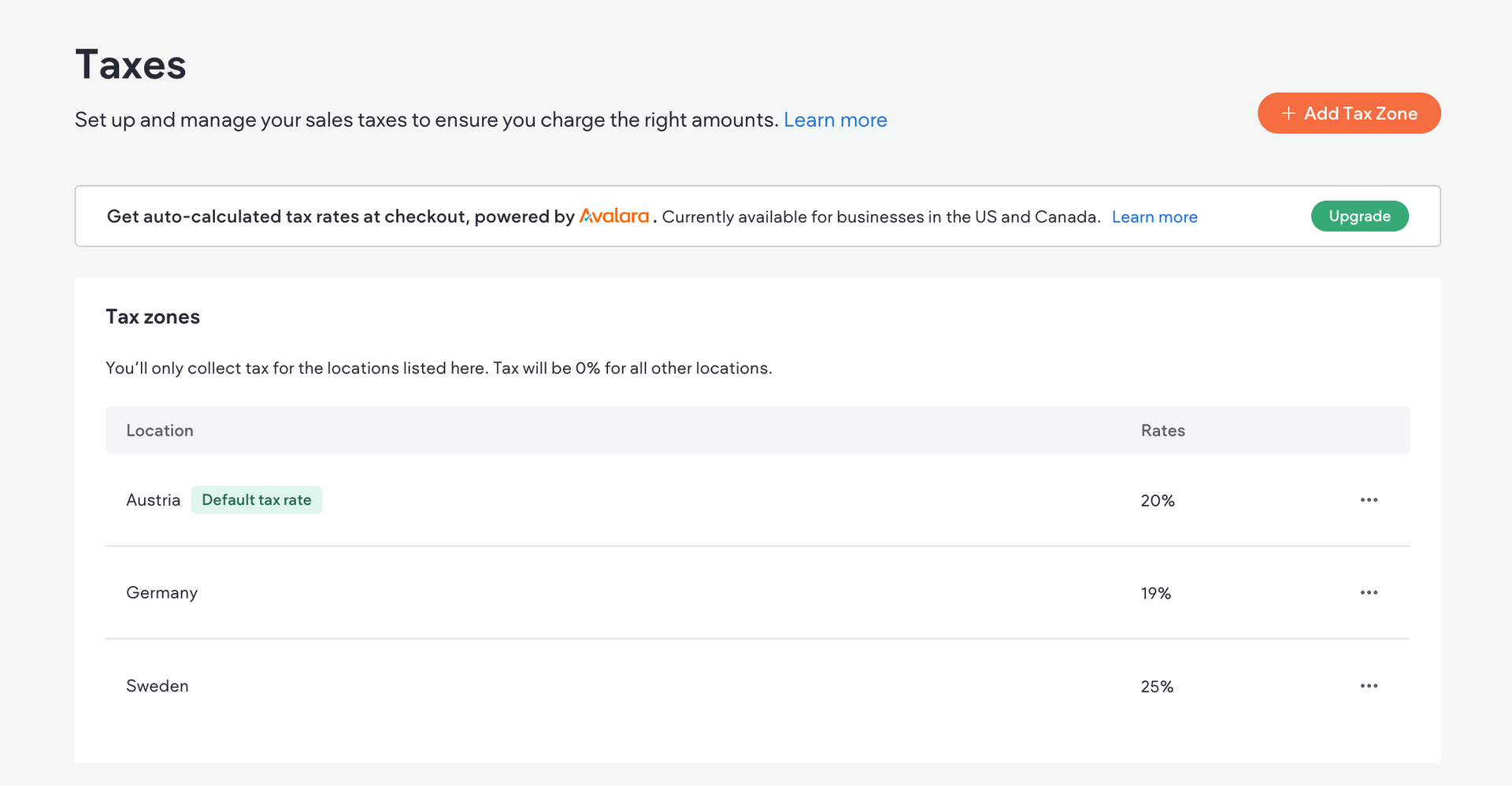
You also have the ability to:
- add overrides if you need to charge extra taxes for locations in a specific zone
- create tax groups for items that are tax-exempt or require special rates
- choose to add taxes at checkout or include the tax in the price
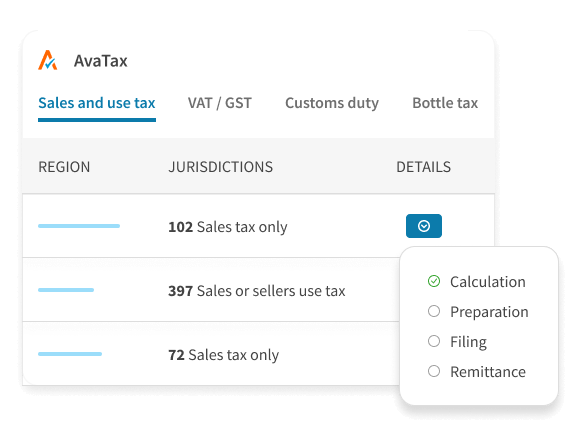
The Avalara's tax tool—called Avalara AvaTax— is tax compliance automation software designed to simplify the complex and often confusing world of taxes for businesses.
AvaTax integrates into the platform, and all orders processed through the platform (including refunds) are automatically synced to the Avalara account.
Important to know
- This integration is available on the Advanced eCommerce plan and higher
- Any tax zones that were set up manually prior to switching to Avalara will be saved.
- Google Pay and Apple Pay are not supported due to Avalara's restrictions
You don't need to worry about configuring taxes now. We just want you to know this is information you're going to need when it comes time to configure that part of your store.
We've got one more topic for you before we wrap up: fulfillment. Keep going! You've got this. 💪