
/Classic vs. editor 2.0
Basic vs. Advanced Header
In this lesson, we’ll explore the difference between basic and advanced headers in Duda’s Editor 2.0.
You’ll learn what each type offers, when to use them, and how switching to an advanced header unlocks more design flexibility—especially if you need to customize your header with additional widgets or sections.
Basic vs. Advanced? When to use them.
Basic
Advanced
This option is perfect for situations where simplicity is key. It comes pre-built with a clean layout that includes the essentials—like a logo, navigation, and sometimes a call-to-action button. The design is locked down just enough to keep everything consistent, while still allowing you to update content, such as text, links, and images.
Basic Headers are great if:
▸
You want a fast, plug-and-play solution.
▸ Your client only needs to swap out content without touching the design.
▸ You’re working with someone
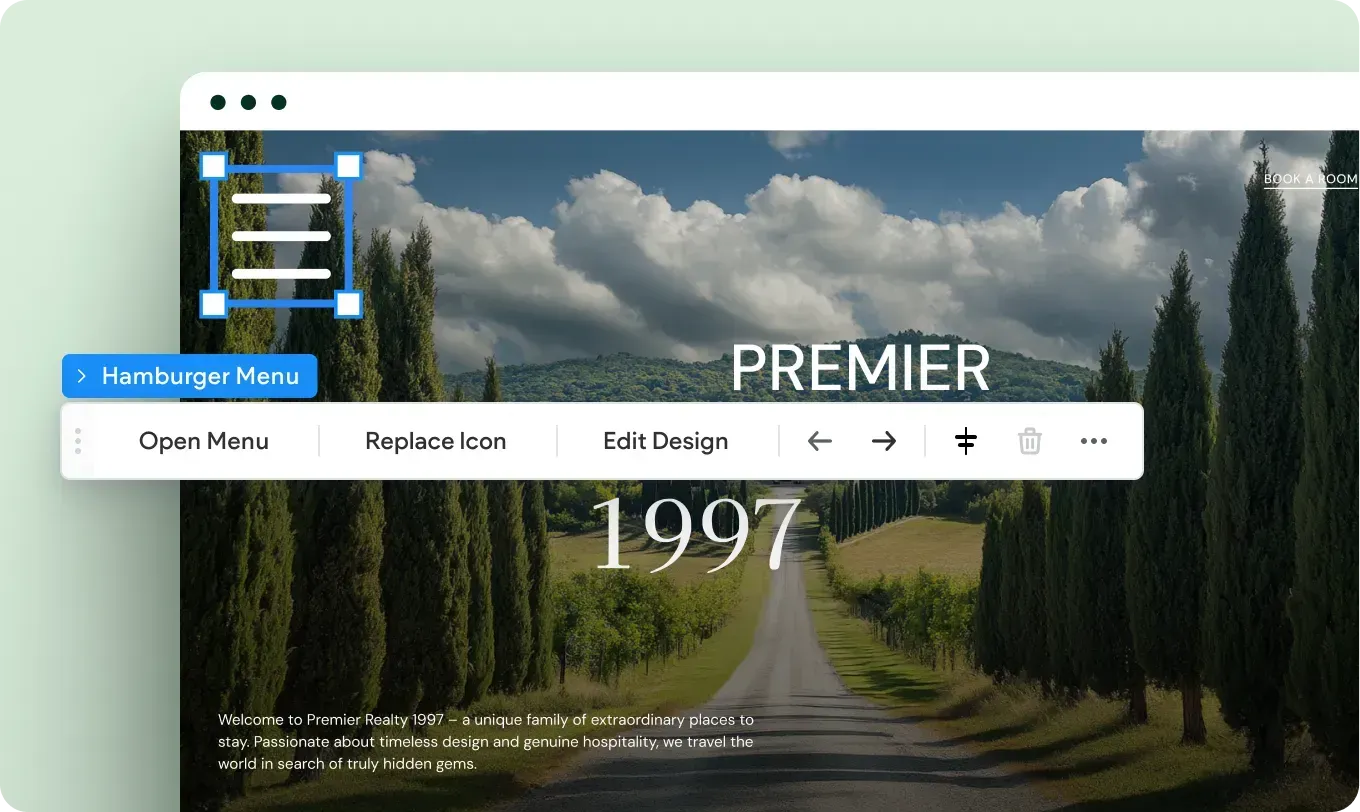
who is less technically confident and may get overwhelmed by too many design options.
By limiting design flexibility, the Basic Header actually reduces the risk of a layout breaking or becoming inconsistent over time.
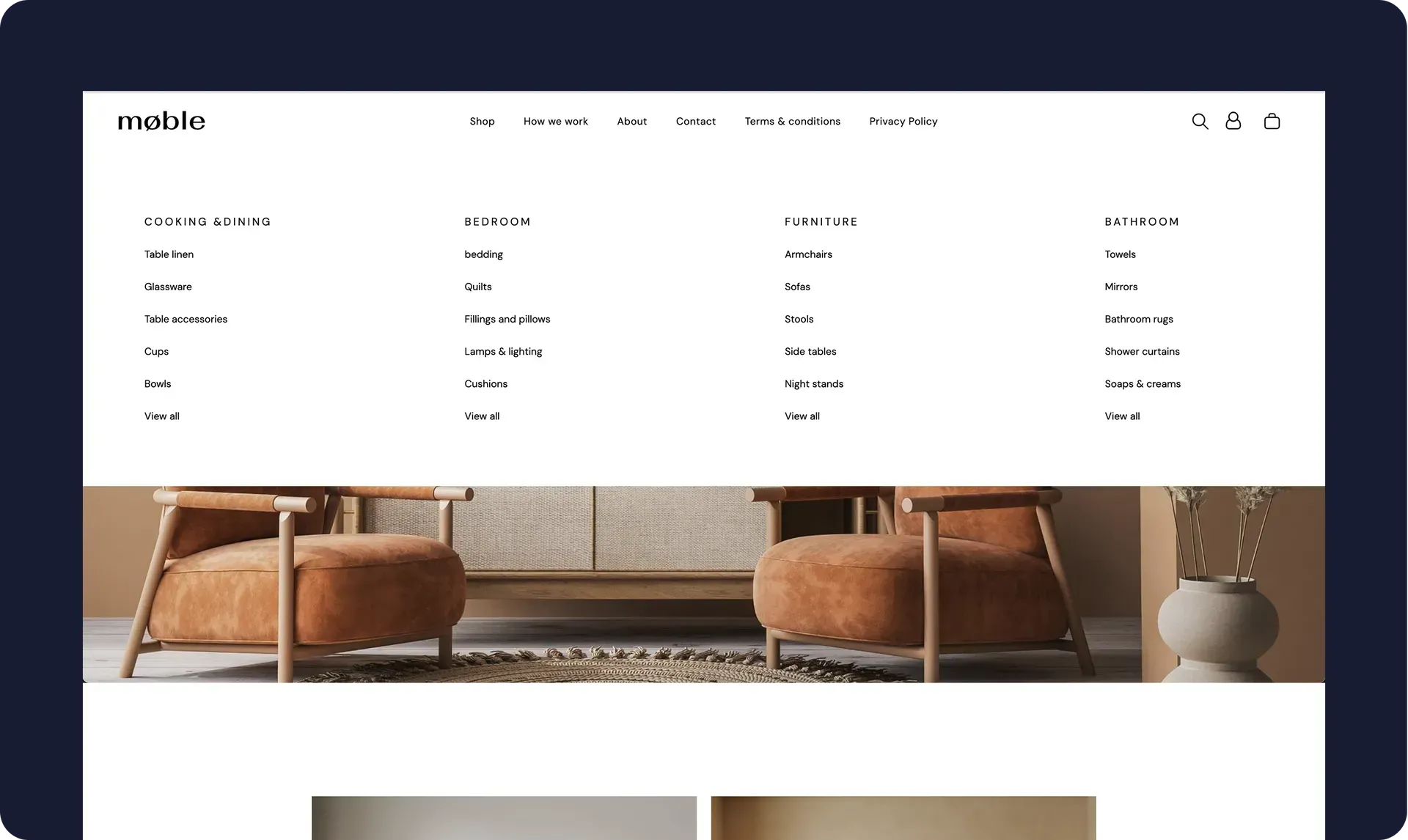
This option gives you full design flexibility. You can completely customize the layout, add or remove elements, adjust spacing, change styling, and more. It’s ideal if you want your header to stand out, or if your design requires something unique that goes beyond the default setup.
Advanced Headers are great if:
▸ You want full creative control over the layout and styling.
▸ You’re building a custom experience tailored to a specific brand.
▸ You or your client are comfortable with more advanced design tools and want the freedom to experiment.
So, which one should you choose?
Here’s a simple rule of thumb:
▸ If you're prioritizing ease of use and content updates by non-designers, go with the Basic Header.
▸ If you need full design flexibility and want to build something custom, choose the Advanced Header.
Remember, you can always start with a Basic Header and upgrade to an Advanced one later if your needs change.